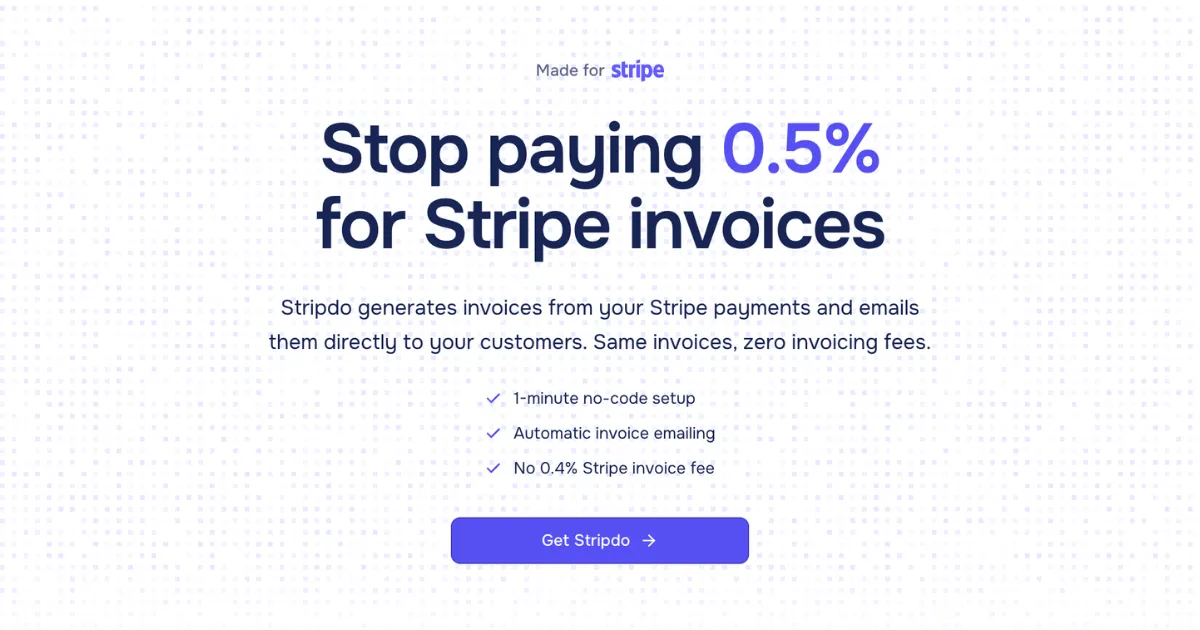
Stripdo generates invoices from Stripe payments and emails them directly to customers, eliminating Stripe's 0.4% invoicing fee with a flat annual subscription.
Get a dedicated SEO review articlefor your product or service and start ranking for “your brand + review” in search results.
Get Your Review Article
AI pixel art generator that turns text prompts and photos into finished sprites, scenes, tiles, and looping animations in seconds.

All-in-one AI creative studio with 500+ models and 85+ tools for image and video generation, AI photoshoots, photo editing and audio, under one subscription.
Browse 100+ startup directories to build quality backlinks.
In the sprawling ecosystem of financial technology, efficiency is often found not in building monolithic platforms, but in creating sharp, focused tools that solve one specific pain point exceptionally well. Stripdo enters this space with a laser-focused proposition: it is a SaaS tool designed exclusively to generate and email invoices from Stripe payments, with the primary goal of eliminating Stripe’s own 0.4% invoicing fee. The product positions itself as a direct, automated replacement for a specific Stripe feature, trading a variable, volume-based cost for a simple, flat annual subscription. This addresses a tangible and often overlooked expense for businesses embedded in the Stripe ecosystem—what the company terms "hidden" or "unnecessary" fees that can accumulate significantly with scale.
The target audience is unequivocally businesses of all sizes that already use Stripe for payment processing and utilize or need its invoicing functionality. This includes solo SaaS founders, digital agencies, e-commerce stores, and freelancers who require professional, automated invoice delivery but are wary of the compounding cost of Stripe’s per-invoice charge. The competitive landscape includes both comprehensive accounting suites like QuickBooks and Xero and dedicated invoicing tools like FreshBooks. However, Stripdo differentiates itself not by competing on breadth of features, but through deep, seamless integration with Stripe and a radically simplified value proposition: pure, automated invoice generation at a fixed price. The thesis for this review is that Stripdo’s success hinges on its execution of this singular function—offering a compelling, cost-effective solution for a well-defined segment, while consciously avoiding the feature bloat of broader platforms.
payment.succeeded events. Whenever a payment is processed—whether through Checkout, Payment Links, or the Stripe API—Stripdo instantly retrieves the complete transaction data, including customer details, line items, taxes, and metadata. It then formats this data into a standardized, professional PDF invoice. This happens entirely in the background, requiring zero manual intervention from the user after the initial one-time setup, effectively replicating Stripe’s own automated invoicing workflow.The user journey with Stripdo is engineered for maximum simplicity and speed, reflecting its focused purpose. It begins with account creation on the Stripdo website. Immediately after signing up, users are guided to a connection settings page. Here, they are instructed to open their Stripe dashboard in another tab, navigate to the API keys section, and create a new restricted key with only "Read" permissions for Payments and Customers. This key is then copied and pasted into Stripdo’s connection field. This step is the entirety of the technical configuration; Stripdo uses this key to establish a secure connection and automatically sets up a webhook endpoint in the user’s Stripe account to listen for payment events.
Once connected, the product operates autonomously. The day-to-day workflow for the user involves no interaction with Stripdo at all—they continue processing payments normally through Stripe using their existing methods (embedded checkout, payment links, etc.). In the background, the automation chain executes flawlessly: 1) A customer completes a payment, triggering Stripe’s payment.succeeded webhook. 2) Stripdo receives this webhook, fetches the full payment object from Stripe using the API key. 3) It compiles this data into a PDF, applying sequential numbering and the user’s branding if configured. 4) It sends the PDF as an email attachment directly to the customer. The only tool the user needs to interact with periodically is the Stripdo dashboard, which serves as a searchable archive and bulk export tool for all historical invoices, accessible via their main website at https://stripdo.com.
Based on the presentation of the product website and described workflow, Stripdo appears to prioritize functional clarity over decorative flourish. The design language, inferred from its online presence, seems modern and clean, aligning with contemporary SaaS aesthetics which should aid in establishing trust. The user experience is clearly architected around the principle of minimalism: the promised one-minute setup is a bold claim that, if accurate, indicates an exceptionally intuitive and guided onboarding process. The primary interface points are the initial connection page and the subsequent management dashboard. The dashboard’s described functionality—centralized viewing, searching, and bulk downloading—suggests a straightforward, data-table-centric design that favors utility over complexity. The learning curve appears virtually non-existent for the core automation, though power users seeking advanced customization options may find the settings limited. A potential area for scrutiny would be the management of failed webhooks or edge cases in customer data, but the overall UX proposition is one of "set it and forget it" simplicity.
Stripdo employs a transparent and simple two-tier annual pricing model. The Starter plan is priced at $39 per year and includes support for one Stripe account, unlimited invoice generation and emailing, sequential numbering, and access to the bulk management dashboard. The Pro plan costs $59 per year and adds two key features: support for unlimited Stripe accounts and the ability to add a custom logo and company details to invoices.
The value proposition is starkly mathematical and compelling for anyone currently using or considering Stripe Invoicing. For a business sending 100 invoices per month at an average of $200, Stripdo saves approximately $921 annually (Stripe: $960 fee vs. Stripdo: $39). The savings scale dramatically with volume. Even for very small businesses, the break-even point is low. Compared to full-scale accounting software, Stripdo is not a direct competitor on features, but it wins decisively on cost for this specific function. The pricing is aggressive and positions Stripdo as a utility—an essential, low-cost layer that enhances the Stripe stack. There is no free tier, but the annual cost is low enough to be a negligible experiment for most serious businesses.
Stripdo is an exceptional fit for businesses deeply integrated into the Stripe payment ecosystem that process a moderate to high volume of payments and require automated, compliant invoicing. This precisely describes scaling SaaS companies, subscription services, and digital merchants for whom the 0.4% fee becomes a meaningful line item. It is also ideal for agencies, freelancers, and consultants who use Stripe Payment Links or Checkout for client billing and want to automate their administrative follow-up without sacrificing their margins to fees.
Conversely, businesses should likely look elsewhere if they require deep integration with a full accounting suite (like QuickBooks Online or Xero) for two-way sync of invoices and payments, as Stripdo is a one-way generator from Stripe data. It is also not suitable for businesses that need highly customized invoice templates, multi-currency formatting beyond what Stripe provides, or built-in invoice tracking and payment reminders, as its scope is deliberately narrow. Those users would be better served by a dedicated invoicing platform or a full accounting system.
Stripdo’s greatest strengths are its surgical focus, its compelling cost-saving model, and its promise of truly hands-off automation. It identifies a genuine pain point within a popular platform and offers a straightforward, financially intelligent solution. The product does not attempt to be everything to everyone; it excels at being one specific thing to a targeted audience. The primary limitations are inherent to its focus: it is not an accounting tool, and its capabilities are bounded by Stripe’s API and the data it provides.
For businesses that align with its use case, Stripdo is unequivocally worth trying. The setup cost in time and money is minimal, and the potential annual savings are substantial and easily calculable. It represents a smart optimization of a business’s financial tech stack. The final recommendation is clear: if you use Stripe for payments, send more than a handful of invoices per month, and balk at the accumulating 0.4% fee, exploring Stripdo is a prudent, almost obvious step. It is a tool that pays for itself quickly, then continues to deliver pure efficiency and savings.