Learn Excel online through 84 hands-on exercises in a real browser spreadsheet, with method-based grading, instant feedback and a verifiable certificate.
Submit your website to get discovered by thousands of potential customers and boost your SEO.
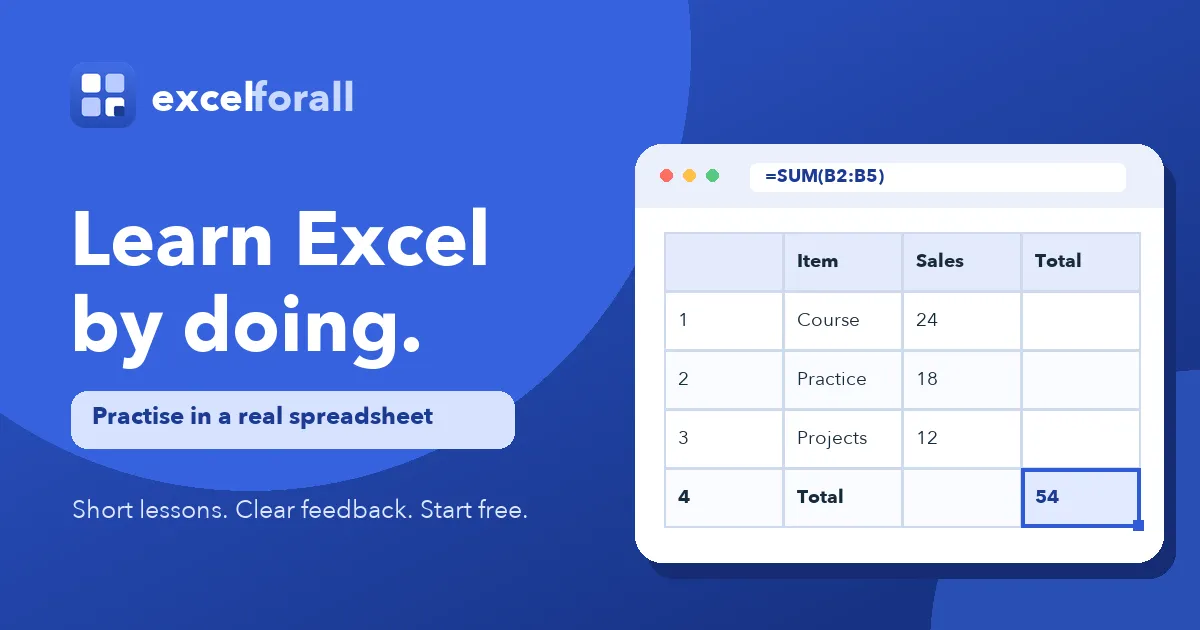
Get ListedExcelForAll is an interactive Excel learning platform that teaches spreadsheet skills through hands-on exercises inside a browser based spreadsheet. Learners open a real grid, type formulas into cells, and receive feedback on the method used rather than on the final number alone. It targets absolute beginners opening a spreadsheet for the first time, along with intermediate users who want to sharpen lookups, charts, and data analysis. The catalogue holds 84 exercises across 17 course parts, and 19 of them need neither an account nor a payment card.
The curriculum is sequenced into 17 parts, each with its own page and a stated exercise count. Early parts cover Excel basics, cells and ranges, basic formulas, SUM and AVERAGE, and cell references. The middle of the path moves into IF and logic, COUNTIF and SUMIF, text functions, and lookup functions. Later parts handle charts and visualisation, pivot tables, and practical challenges that combine several skills inside a single task. Because every part and every exercise has a direct URL, a learner searching for VLOOKUP practice can open that material without working through the earlier sections first. The full path represents roughly seven hours of actual keyboard work.
A learner chooses one of the 17 course parts or opens the first exercise directly. Each page presents a task in plain language, such as entering a SUM formula into a named cell, next to an interactive grid. The learner writes the formula, submits it, and the checker evaluates the cell contents. Feedback identifies what went wrong and why, with hints and a worked answer available when needed. Progress syncs to the account, and finishing the catalogue unlocks the certificate.
ExcelForAll suits complete beginners who have never used a spreadsheet, career changers rebuilding foundational skills, and analysts wanting targeted practice on lookups, logic, and charts. It also fits small teams and agencies running internal Excel training or client rollouts, since accounts follow progress across devices. Sessions of two to eight minutes make it workable in short gaps rather than long sittings.