Akita Apps offers minimal focus tools like Dopamine Destroyer and Hayaku Notes for distraction-free productivity.
Submit your website to get discovered by thousands of potential customers and boost your SEO.
Get ListedAkita Apps is a suite of two lightweight productivity tools designed for Chrome users who value simplicity and focus. The platform addresses common digital pain points: endless distractions from social media and news sites, and the frustration of losing a fleeting idea before it can be captured. In an ecosystem crowded with feature-laden apps that require subscriptions and constant configuration, Akita Apps strips everything down to the essentials. The two offerings, Dopamine Destroyer and Hayaku Notes, are built around a philosophy of minimalism: no bloat, no subscriptions, no guilt trips. This positions the product as a direct alternative to complicated site blockers like Freedom or Cold Turkey, and note-taking behemoths like Evernote or Notion, but targeted at users who want a frictionless experience without recurring costs.
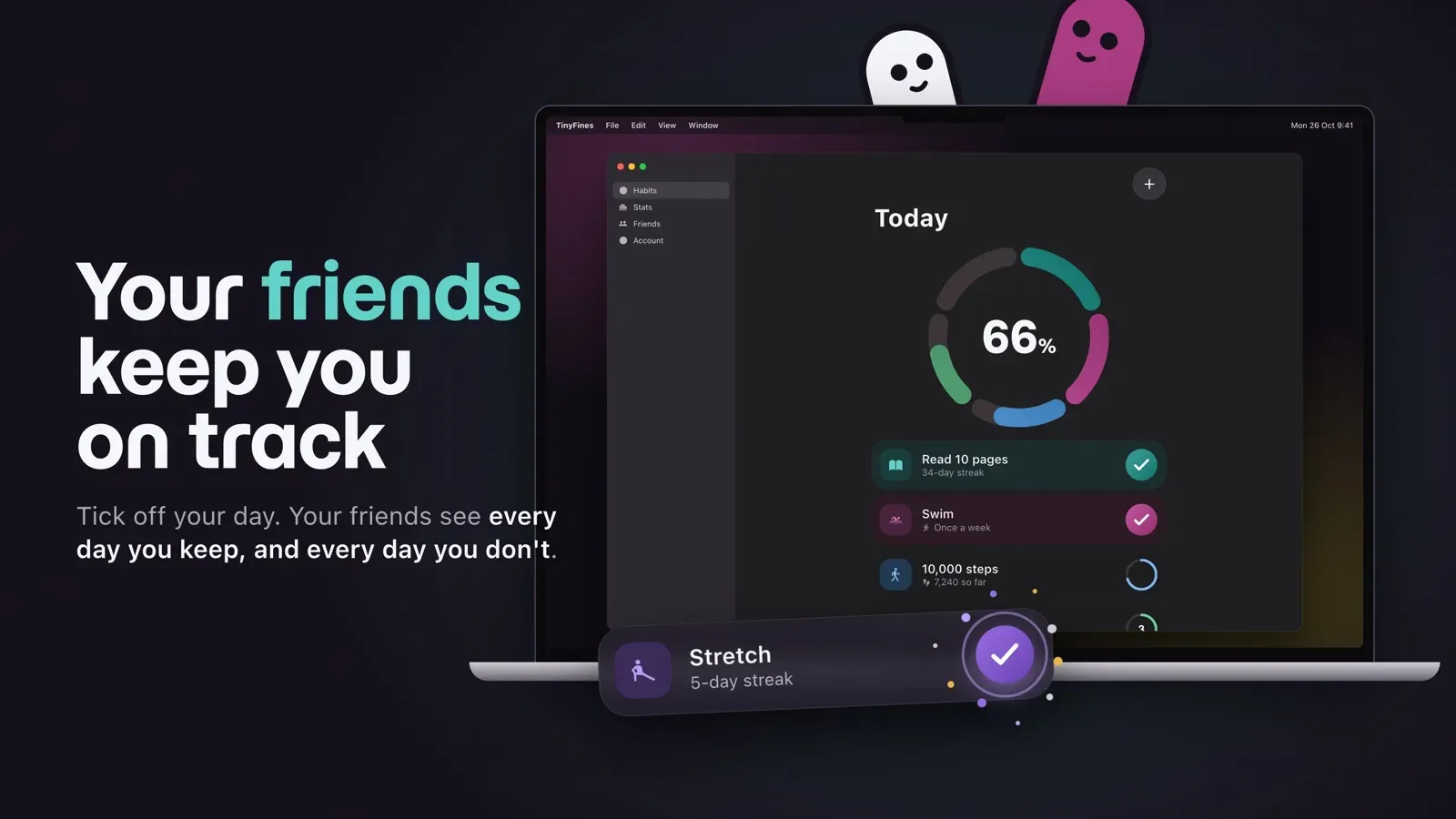
Dopamine Destroyer: One-Toggle Site Blocking This Chrome extension allows users to block distracting websites with a single click. The interface is a simple toggle: enable it to instantly block a predefined list of sites, disable it to restore access. There are no complex rules, schedules, or whitelists to configure. The focus is on immediate action, removing the cognitive friction that often leads to procrastination. The extension claims to be the fastest site blocker for Chrome, prioritizing performance and simplicity.
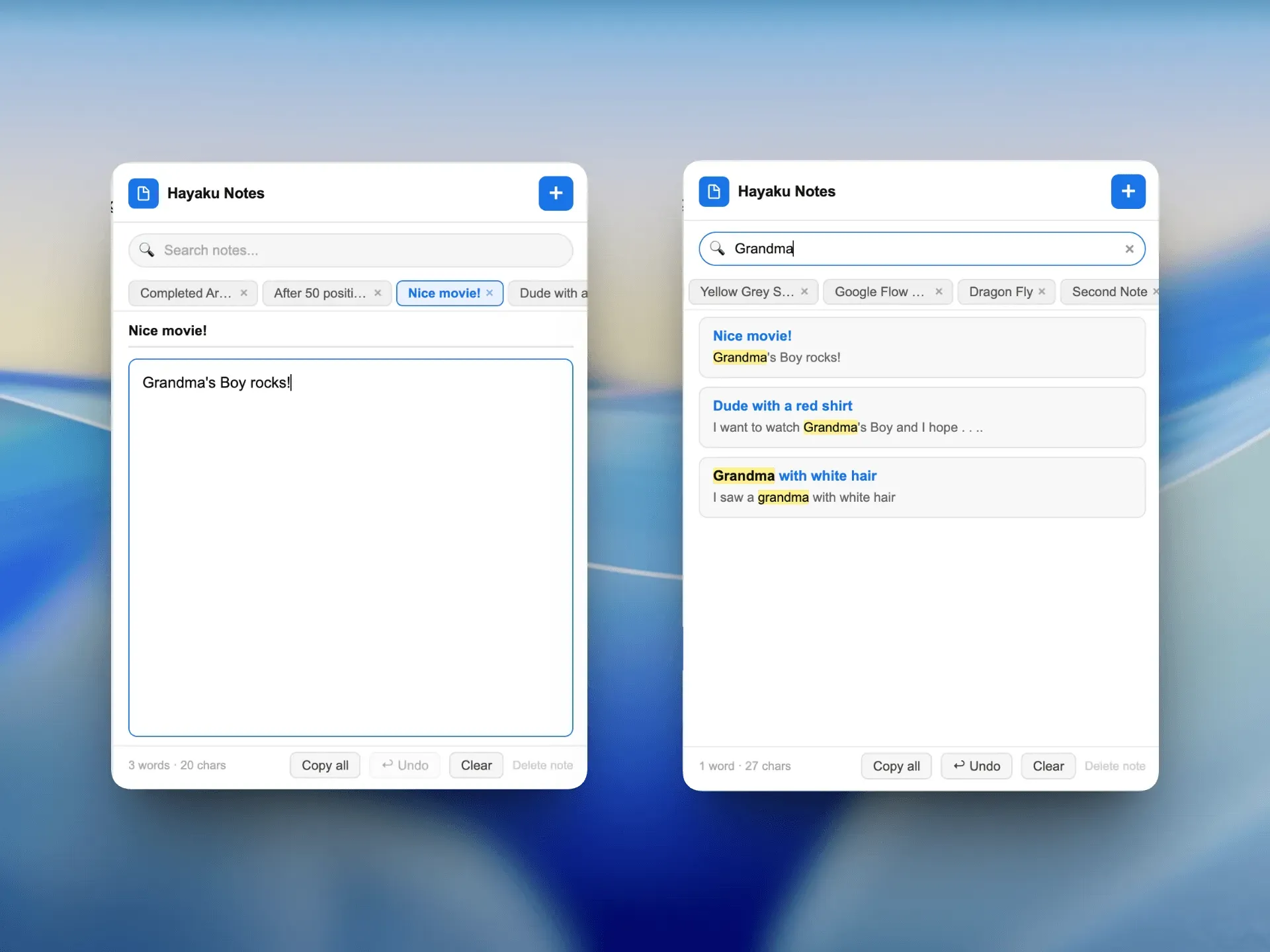
Hayaku Notes: One-Click Note Capture Hayaku Notes is designed for rapid capture of thoughts, ideas, or reminders. With one click on the browser toolbar, a minimal note field appears, allowing the user to type and save instantly. There are no folders, tags, or formatting options. The goal is to record information before it disappears from short-term memory. Saved notes are accessible from within the extension, providing a lightweight repository for quick reference.
No Subscription Model Both tools are completely free with no subscription fees, in contrast to many productivity apps that charge monthly or annual fees. This aligns with the company's ethos of respecting users' attention and money. There are no premium tiers, hidden costs, or feature gates. The absence of a business model beyond potential donations (not mentioned) suggests a passion project or a loss leader for broader vision.
Minimal User Interface The extensions eschew dashboards, analytics, or detailed settings. Dopamine Destroyer presents just a toggle and a site list. Hayaku Notes shows a text box and a save button. This reductionist design ensures that the tools themselves do not become sources of distraction. The visual style is clean, with ample whitespace and a monochrome color palette.
Speed and Performance Performance is a core design principle. Dopamine Destroyer blocks sites instantly upon toggle activation, with no noticeable latency. Hayaku Notes opens and saves notes in under a second. The extensions do not consume significant system resources, making them suitable for older hardware or users running multiple tabs.
Privacy by Design While not explicitly stated on the landing page, the lack of user accounts, cloud sync, or data collection suggests a privacy-friendly approach. Notes are stored locally in the browser, and site blocking operates client-side. This appeals to users concerned about data tracking.
To begin using Akita Apps, a user installs the extensions from the Chrome Web Store. No account creation or sign-up is required. Once installed, the Dopamine Destroyer extension adds a icon to the browser toolbar. Clicking it reveals a toggle switch. When enabled, any website on the user's block list will be replaced with a simple message or blocked entirely. The user can customize the list of blocked sites by entering URLs into a small text area. The extension remembers the list and state across browser sessions.
Hayaku Notes similarly adds a toolbar icon. Clicking it opens a floating window with a text input field. The user types a note and presses Enter or clicks a save button. Notes accumulate in a scrollable list within the same window. There is no search or categorization; notes are displayed in reverse chronological order. To delete a note, the user clicks a small X icon. The workflow is intentionally linear: capture, review, discard.
Both extensions operate entirely offline, relying on no external servers. This ensures instantaneous response and zero dependency on internet connectivity for core functions. The user can access the extensions at any time from any tab.
The Distracted Student A college student preparing for exams finds themselves constantly checking Facebook and YouTube. With Dopamine Destroyer, they enable the toggle for a study session, instantly blocking those sites. The absence of complex scheduling means they can start focusing immediately. After the session, they disable the toggle to take a break.
The Idea-Laden Writer A freelance writer often has ideas strike while browsing research articles. Using Hayaku Notes, they can click once and type a sentence without leaving the current page. The note is saved locally and can be reviewed later when drafting. This prevents the distraction of opening a separate app or notebook.
The Remote Worker A remote worker struggles with news websites during work hours. They set Dopamine Destroyer to block a list of news domains and activate the toggle at the start of each workday. The minimal interface means they spend no time configuring filters or schedules.
The Developer in Flow A programmer using the Pomodoro technique wants to block social media during focus intervals. With Dopamine Destroyer, they toggle the blocker on for 25 minutes, off for 5. The lack of setup friction helps maintain momentum.
The Journalist on Deadline A journalist gathering research needs to quickly capture quotes and links. Hayaku Notes allows them to jot down a note with a single click, then return to reading. The notes are accessible later for article drafting.
Akita Apps offers both extensions at no cost. There are no pricing tiers, free trials, or premium features. This is a rarity in the productivity software market, where many competitors charge either a one-time fee (e.g., $2.99 for a site blocker) or a recurring subscription (e.g., Freedom at $6.99/month). The absence of monetization raises questions about long-term viability, but for the user, the value proposition is clear: zero financial commitment for tools that solve specific problems. Compared to alternatives like Cold Turkey Blocker (paid) or Microsoft OneNote (free but feature-heavy), Akita Apps provides an uncompromisingly simple alternative. However, users seeking advanced features like scheduled blocking, note syncing across devices, or collaboration will need to look elsewhere. The value lies in the targeted functionality and the peace of mind that comes from no hidden costs.
Akita Apps excels at what it sets out to do: provide minimal, focused tools for common digital struggles. The strengths of the platform are its simplicity, absence of fees, and speed. Dopamine Destroyer and Hayaku Notes are well-suited for users who want a no-nonsense solution without the overhead of complex apps. The main drawbacks are the limited scope (only two tools) and the exclusive focus on Chrome, excluding users of other browsers. There is also no indication of a roadmap or support for mobile devices. These limitations mean the product is best for individuals who need a lightweight, single-purpose tool for distraction blocking or quick note-taking. For anyone requiring more comprehensive features, such as cross-device sync, team collaboration, or advanced customization, established products like Freedom or Notion would be better choices. Overall, Akita Apps is an admirable example of purposeful software design that respects user attention.
For more information, visit the contact page or explore the home page.