BlazePDF is a student-focused desktop PDF reader with Flow Mode annotation, tool presets, Smart Duplex printing, and offline-first privacy.
Submit your website to get discovered by thousands of potential customers and boost your SEO.
Get ListedBlazePDF is a desktop PDF reader built for studying, giving students a single calm workspace to read, annotate, organize, and print the lecture slides, readings, revision notes, textbook chapters, research papers, and past papers that fill a semester. The core problem it solves is fragmentation, since annotation tools, page organization, and awkward print jobs usually live in separate applications and force workarounds during every session. Made for students, by students, BlazePDF runs as a focused desktop application rather than another browser tab, and it positions annotation as the center of the experience rather than a bolt-on feature.
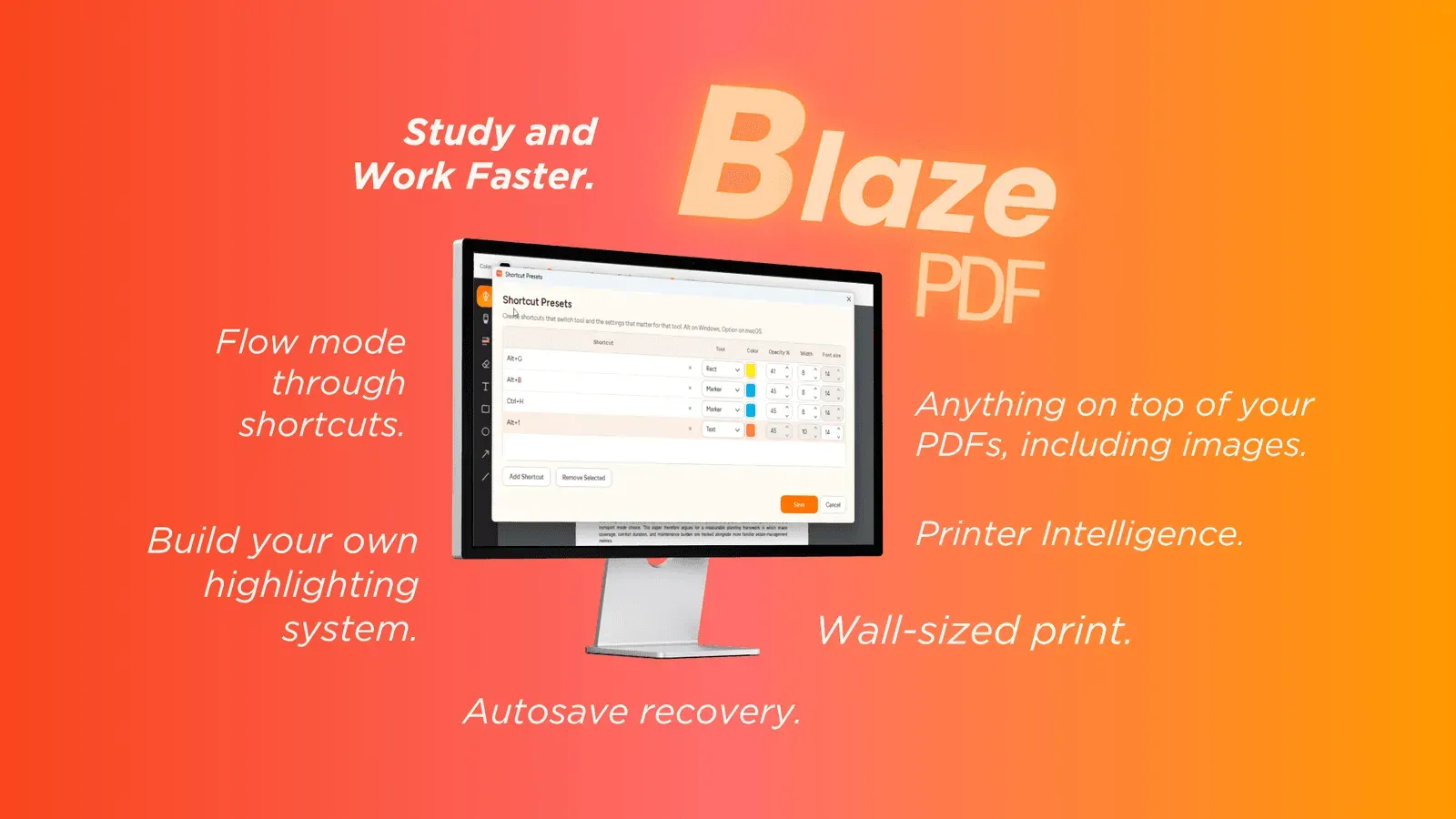
A typical session starts by opening a PDF directly in the BlazePDF desktop application, with no sign in required. Students read and annotate in Flow Mode, switching between pen, marker, highlighter, text box, shape, arrow, line, and image tools, or calling up a saved preset with a shortcut. Page tools handle structural changes such as inserting a blank page, importing an image, or reordering pages ahead of a visible export. When a document needs to leave the screen, Smart Duplex and Poster Enlargement prepare print-ready output, and BlazePDF shows the plan before printing so problems surface early.
BlazePDF targets students in higher education and upper secondary school who work primarily inside PDF course material. It fits undergraduates, postgraduate researchers, and revision-heavy learners who annotate readings, mark up lecture slides, work through textbook chapters, and print past papers. Because the desktop reader requires no account and works offline, it also suits students on constrained devices, limited bandwidth, or shared campus machines, along with anyone seeking a study-oriented alternative to general purpose PDF viewers.
The homepage frames the product around a simple sequence: read, annotate, make it yours, stay in flow. Search is positioned as the return path for important passages, so a student can jump back into a marked section of a reading without scrolling through an entire chapter. Editable metadata means a document reopened weeks later still carries annotations that can be adjusted, recolored, or extended, which matters for cumulative revision across a term. Page tools support the small structural fixes that come up constantly in coursework, such as inserting a blank page for working, importing an image of a diagram, or reordering pages before an export. On the printing side, Smart Duplex and Poster Enlargement address the tasks general viewers tend to ignore, including two-sided output on printers that require a manual second pass and enlarging a single dense diagram across multiple tiled sheets with an assembly preview. Privacy is treated as a default rather than a setting, since the core reader, search, annotation, and export functions operate locally, and any account or AI OCR capability remains opt in. The application is distributed as a desktop download, with a free option described for students and additional plan details available on a separate plans page.