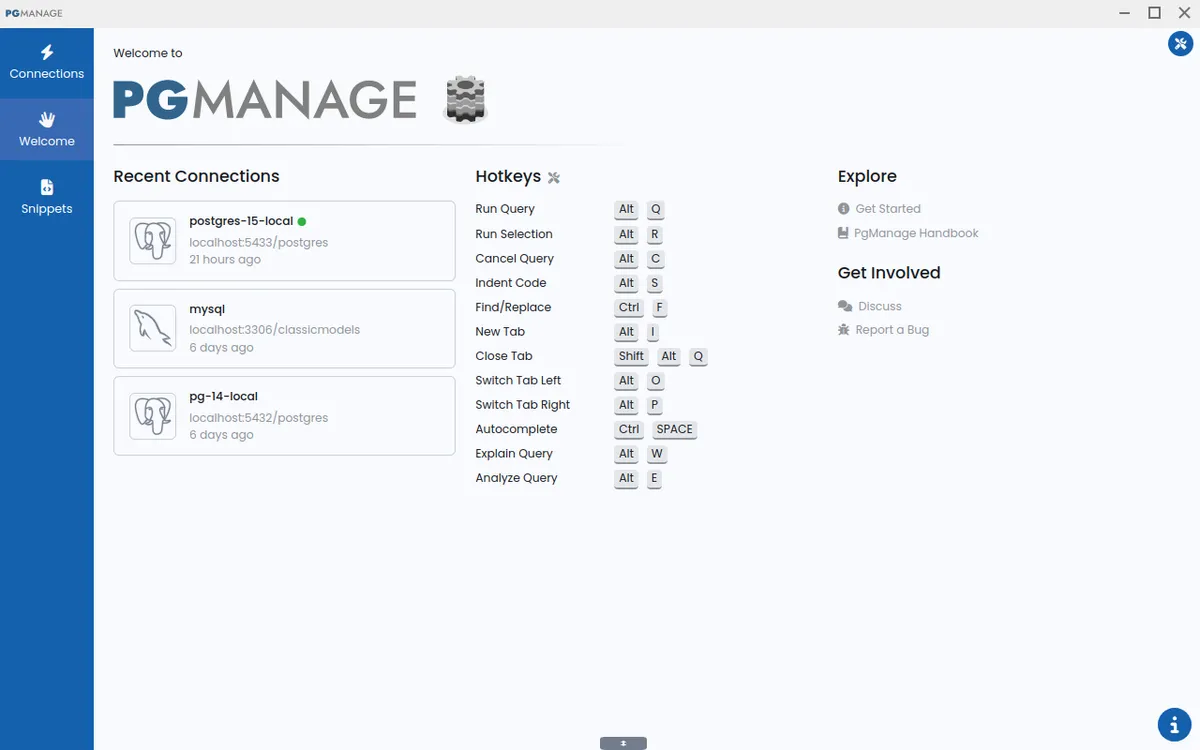
Audax Data Manager is an open-source SQL editor and database admin tool for PostgreSQL, MySQL, SQLite, MariaDB, and more.
Submit your website to get discovered by thousands of potential customers and boost your SEO.
Get ListedAudax Data Manager, formerly known as PgManage, is a modern open-source SQL editor and graphical database administration tool developed by CommandPrompt Inc. It addresses the need for a cross-platform, privacy-focused database client that supports multiple database engines including PostgreSQL, MySQL, MariaDB, SQL Server, Oracle, and SQLite3. Designed for developers and database administrators, it offers an intuitive interface with features like schema browsing, query editing with autocomplete, data editing in a spreadsheet-like grid, and server management capabilities such as backup, restore, and performance monitoring.
Multi-Database Support: Audax Data Manager connects to PostgreSQL, MySQL, MariaDB, SQL Server, Oracle, and SQLite3, making it a versatile tool for managing heterogeneous database environments.
Modern and Intuitive Interface: The application features a clean, user-friendly interface with switchable themes and UI scaling. It includes a database explorer with fuzzy search for quickly locating objects, and supports keyboard navigation for core features.
Secure and Privacy-First: The tool operates with a privacy-first approach, collecting no telemetry or user data. Credentials are stored in encrypted form, ensuring sensitive information remains protected.
Powerful Administration Tools: Users can view database performance metrics, run backups, manage roles and extensions, tune PostgreSQL server parameters, and connect via SSH tunnels. The schema editor supports renaming indexes and updating column comments across multiple database types.
Smart Query Editor: The SQL editor provides schema- and context-aware autocomplete suggestions for tables, views, columns, aliases, and functions. It also highlights query errors at the exact location, and allows copying table data as Markdown, JSON, or CSV.
Convenient Data Editing: Data can be edited in a familiar spreadsheet-like grid with support for copy-paste of cell regions, inline editing, and a dedicated modal window for complex content. Multiple database workspaces can be used simultaneously.
Users download and install the desktop application for Linux, Windows, or macOS, or deploy the Docker image for enterprise use. After launching, they create connections to their databases by providing credentials and optionally configuring SSH tunnels. The main interface displays a database explorer on the left, a query editor in the center, and data grids or results below. Users can browse schemas, write and execute SQL queries with autocomplete, edit data directly in tables, and access administrative functions like backup and performance monitoring from the sidebar.
Audax Data Manager is built for developers, database administrators, and data analysts who need a cross-platform, open-source SQL client. It suits individuals and teams working with multiple database systems, especially those who prioritize privacy and want a tool that works offline. The enterprise edition adds remote web access, multi-user support, OAuth2 authentication, and AWS/Docker deployment options, making it suitable for larger organizations and managed environments.