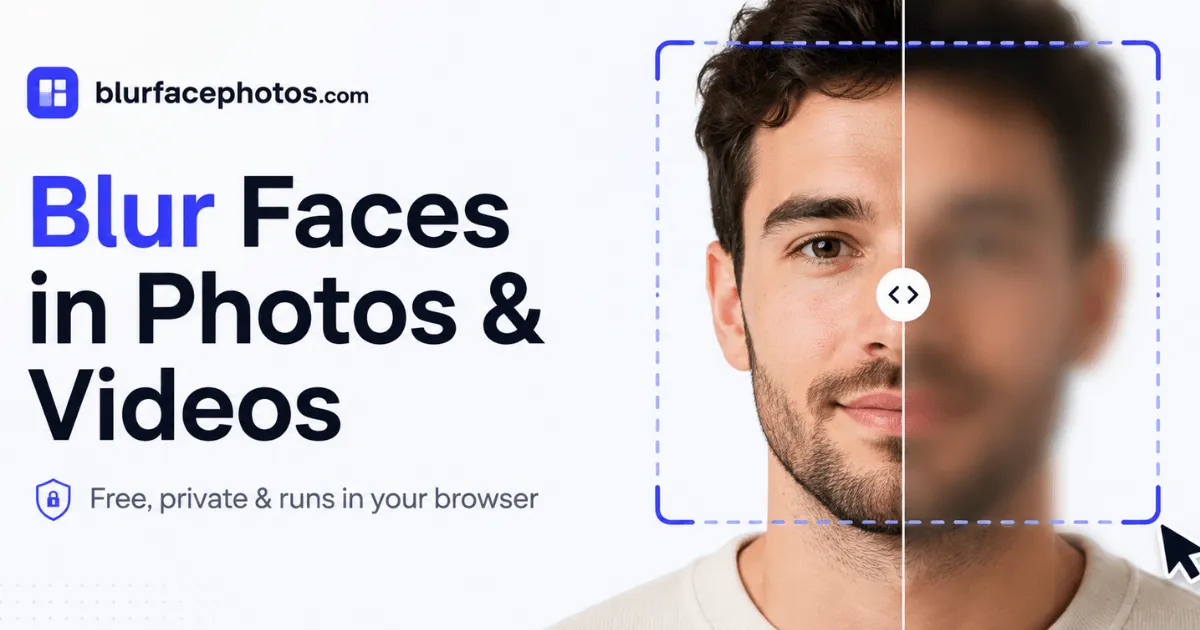
Blur faces in photos and video privately with this free browser-based tool, no upload required.
Submit your website to get discovered by thousands of potential customers and boost your SEO.
Get ListedBlurFacePhotos is a browser-based face anonymization tool that allows users to blur, pixelate, censor, or hide faces in photos and video clips. The core promise is privacy: every bit of processing happens locally on the user's device via JavaScript, so no photo, video, or personal data is ever transmitted to a server. This positions BlurFacePhotos as a standout alternative to conventional tools like Photoshop or CapCut, which require manual edits, and to online services that request uploads before applying a blur. It is built for privacy-conscious individuals, content creators, journalists, HR teams, and small businesses that need quick, reliable redaction without a steep learning curve or cost.
The tool is free for basic photo editing, with premium plans for extended features such as video export, unlimited batch processing, and high-resolution output. The interface is clean and minimal, with a landing page that immediately invites users to drop an image into the editor. The entire workflow is designed to be completed in under a minute for a single photo.
In-Browser Face Detection
BlurFacePhotos uses an AI-powered face detection engine that scans for faces automatically in each image or video frame. The detection runs entirely in the browser, thanks to advanced JavaScript libraries and WebAssembly, which ensures that sensitive footage never leaves the machine. Users can see detected faces highlighted as regions, which can then be refined or adjusted manually.
Multiple Redaction Effects
The tool supports a wide range of anonymization styles: blur, pixelate, mosaic, black or white bars, noise, color inversion, and emoji stickers. Each effect can be applied to the whole face, the eyes, the mouth, or any custom drawn area. This flexibility is particularly useful for journalists who need to obscure identity while maintaining visual context, or for parents sharing family photos who prefer a playful sticker over a stern blur.
Selective Face Area Control
Rather than separating the entire face, users can choose to hide only the eyes, only the mouth, or the whole face. The interface offers simple toggles for these areas, and the selected region is automatically masked based on facial landmarks. This is useful for protecting a person's identity while preserving their expression or other non-identifying features.
Batch Photo Processing
Free users can process up to five photos at once, while premium subscribers get unlimited batch processing. The batch mode applies the same effect and area settings to all selected images, which is a crucial time-saver for teams handling large sets of event photos, legal documents, or journalistic archives.
Video Face Blurring
The Premium tier unlocks a video mode where faces are detected and blurred across every frame of an MP4, WebM, or MOV file. The tracking system maintains the blur on each face as the video plays, and the final clip is exported in full HD or 4K resolution. This feature is a direct competitor to manual frame-by-frame editing in professional software, and it does not require any video editing expertise.
Live Camera Blur
A Camera mode lets users blur faces in real time through a webcam feed. This is ideal for live streaming, meetings, or demonstrations where participants want to keep their identity hidden. The blur is applied to the camera preview, and the processed feed can be recorded or used in real time.
No Sign-Up or Installation
The tool works directly in any modern browser without creating an account, downloading software, or installing plugins. Users can simply navigate to the site, drop an image, and download the result in seconds. The privacy policy confirms that no data is retained because no data is ever uploaded.
The full list of capabilities is documented on the features page, which includes detailed comparisons with traditional editing tools.
The user journey on BlurFacePhotos is deliberately short and intuitive. From the landing page, a visitor sees three tabs: Image, Camera, and Video. The Image tab is the default and presents a large drop zone labeled "Drop photos here, or click to upload." Users can select JPG, PNG, WebP, or BMP files.
Once an image is loaded, the editor displays the photo with automatic face detection. Each face is framed by a bounding box. In the side panel, the user picks which areas to blur: eyes, mouth, or whole face, and chooses an effect from the style library. The preview updates instantly. If the detection misses a face or includes an unwanted object, manual adjustment is possible.
After applying the effect, the user selects Download. The image is exported as a PNG file with the selected effects applied. No upload occurs, and the browser handles all the image processing.
For video, the workflow is similar. The user switches to the Video tab, drops an MP4, WebM, or MOV file, and the tool scans the first frame to identify faces. The settings for effect and area are applied to all frames automatically. The video is then processed locally, and after a short wait, the user can preview and download the anonymized clip in full HD or 4K.
Camera mode requires permission to access the webcam. Once granted, the tool draws a live preview with face detection and applies the chosen blur in real time. The user can record or capture a photo from the feed.
The entire process requires no account creation, and the interface is free of clutter and confusing options. The three steps, as summarized in the landing page, are "Add a photo," "Pick area and effect," and "Download." This simplicity is the product's greatest strength.
Journalists and Documentarians
Professional journalists often need to protect the identity of sources, bystanders, or minors in photos and news clips. BlurFacePhotos allows them to redact faces on the spot, before publication, without relying on a photo editor. Because the processing stays on the device, sensitive material never enters the cloud, which is a critical advantage for breaking news and investigative reports.
Privacy-Conscious Families
Sharing family photos on social media can inadvertently expose children or friends who prefer not to be tagged. With BlurFacePhotos, a parent can pixelate the faces of everyone except themselves within seconds, directly from a smartphone or laptop browser. The free tier covers unlimited photos, so there is no reason to avoid anonymizing every image.
HR and Legal Teams
Companies that handle employee data are often required to anonymize visual records for GDPR compliance or internal investigations. The batch processing feature allows HR teams to redact faces in dozens of conference photos or video recordings in one go. The no-upload policy reinforces the legal safety of using the tool for confidential material.
Content Creators and Streamers
YouTubers, TikTokers, and podcasters who feature guests that choose to remain anonymous can blur or replace faces with emoji using the video mode. The effect remains constant throughout the clip, which is particularly difficult to achieve manually. The premium video export in 1080p or 4K means the final upload does not look degraded.
Small Business Owners
Real estate agents, event photographers, and retail managers often publish photos of staff or customers. BlurFacePhotos provides a quick way to anonymize faces in marketing materials and online listings, reducing the risk of privacy complaints and building trust with the local community.
BlurFacePhotos follows a straightforward freemium model. The free tier includes unlimited photo processing with up to five faces per image, batch editing for up to five photos, and access to all effects and areas. Free users see advertisements, but there is no watermark and no time limit.
Premium is available for $4.99 per month when billed yearly, or $8.99 month-to-month. It removes ads, unlocks unlimited batch processing, enables video face blurring with full-HD and 4K export, and includes a commercial-use license. A $49 API tier is planned for business customers who need to anonymize images and videos via a REST API.
Compared to desktop software like Adobe Photoshop, which costs a monthly subscription and demands manual editing skills, BlurFacePhotos offers a leaner, more specialized solution. The closest competitor might be face-blur plugins, but those often require installation and do not provide a universal no-upload guarantee. The value proposition is strong: the core use case, photo anonymization, is free forever, and the premium upgrade is reasonably priced for the video processing power. Visitors can review the exact plan limits on the pricing page before deciding.
BlurFacePhotos solves a niche but important problem with an elegant, privacy-first implementation. Its ability to run complex face detection entirely in the browser is impressive and sets it apart from services that require uploading sensitive material. The editor is accessible enough for non-technical users, yet precise enough for professional use cases. The free tier is generous, and the premium pricing is transparent.
The main drawbacks are the ad-supported free interface and the five-face limit in a single photo, which may frustrate users with large group shots. Video processing is gated behind a paywall, but that is reasonable given the computational demands. For anyone who needs to blur faces quickly, without cloud uploads, and without learning complex editing software, BlurFacePhotos is a reliable, modern choice. Developers interested in the upcoming API can explore the API docs for more details.