How to Start an Online Store in 2026
The exact steps to launch, plus the 5 best platforms ranked on merit for founders and creators.


Key takeaways
- 1. ShopifyBest all-round
Founders who want a proven, low-hassle platform they can scale from first sale to seven figures.
Visit Shopify - 2. WooCommerceMost control
Content-driven brands and tinkerers who want maximum control and true ownership on WordPress.
- 3. BigCommerceBest for growth
Growing brands with larger catalogs that want rich built-in features and payment flexibility.
- 4. Lemon SqueezyBest for digital & SaaS
Creators and indie founders selling software, subscriptions, or digital downloads globally.
- 5. PayhipBest free/lightweight
First-time sellers and creators who want to launch free and embed a store into any site.
Overview
Starting an online store in 2026 comes down to five practical steps: decide what to sell and who you are selling to, pick a platform that matches your product type and budget, set up your products and connect a payment processor, design a store that builds trust and converts, then launch and drive traffic through SEO, email, and social. None of these steps require code anymore, and most modern platforms let you go from zero to your first sale in a weekend.
The single biggest decision is which platform you build on, because it shapes your fees, your control, and how much you can grow. Below we rank the five strongest options for 2026, covering a hosted all-in-one, a WordPress route, a second hosted alternative, a creator/digital-products platform that acts as merchant of record, and a lightweight embeddable option with a free plan.
Watch
How to Start an Online Store in 2026 — step-by-step for beginners.
How to choose
Before you pick, weigh these against your own situation — the right choice depends on your stage, budget, and goals.
Transaction fees — Compare monthly plan cost plus per-sale and payment-processing fees, since these compound directly against every order's margin.
Payment and shipping options — Confirm it supports the gateways, currencies, and shipping or tax tools your customers and region actually require.
Scalability — Check that the platform handles your expected catalog size and traffic spikes without forcing a costly replatform as you grow.
Customization and ownership — Weigh template flexibility and access to code or data so you can differentiate your brand and avoid vendor lock-in.
App and channel ecosystem — Favor platforms with solid integrations for inventory, marketing, and marketplaces like Amazon or Instagram to sell where buyers are.
Comparison at a glance
| Platform | Best for | Pricing | Type | Standout |
|---|---|---|---|---|
 Shopify | Most founders selling physical goods | From $39/mo (verify) | Hosted all-in-one | Largest app and theme ecosystem |
| WordPress users wanting full control | Free plugin + hosting (verify) | WordPress / self-hosted | Open-source, you own your data | |
| Larger catalogs and growing brands | From ~$29–39/mo (verify) | Hosted all-in-one | No platform transaction fees | |
| Digital products, software, and SaaS | 5% + $0.50 per sale (verify) | Creator / merchant of record | Handles global tax for you | |
| Beginners on a tight budget | Free plan, 5% fee (verify) | Lightweight / embeddable | Free forever plan, embed anywhere |
Pricing and features change often. Verify current details on each provider's site. Last checked August 2026.
Feature comparison
| Feature | Shopify | ||||
|---|---|---|---|---|---|
| Physical products | |||||
| Digital products | |||||
| Handles tax/VAT (merchant of record) | Partial | ||||
| No monthly fee option | |||||
| Own your platform/code | |||||
| Built-in marketing/SEO tools | Partial | Partial |
"Partial" means available via add-on, in beta, or more limited than competitors.
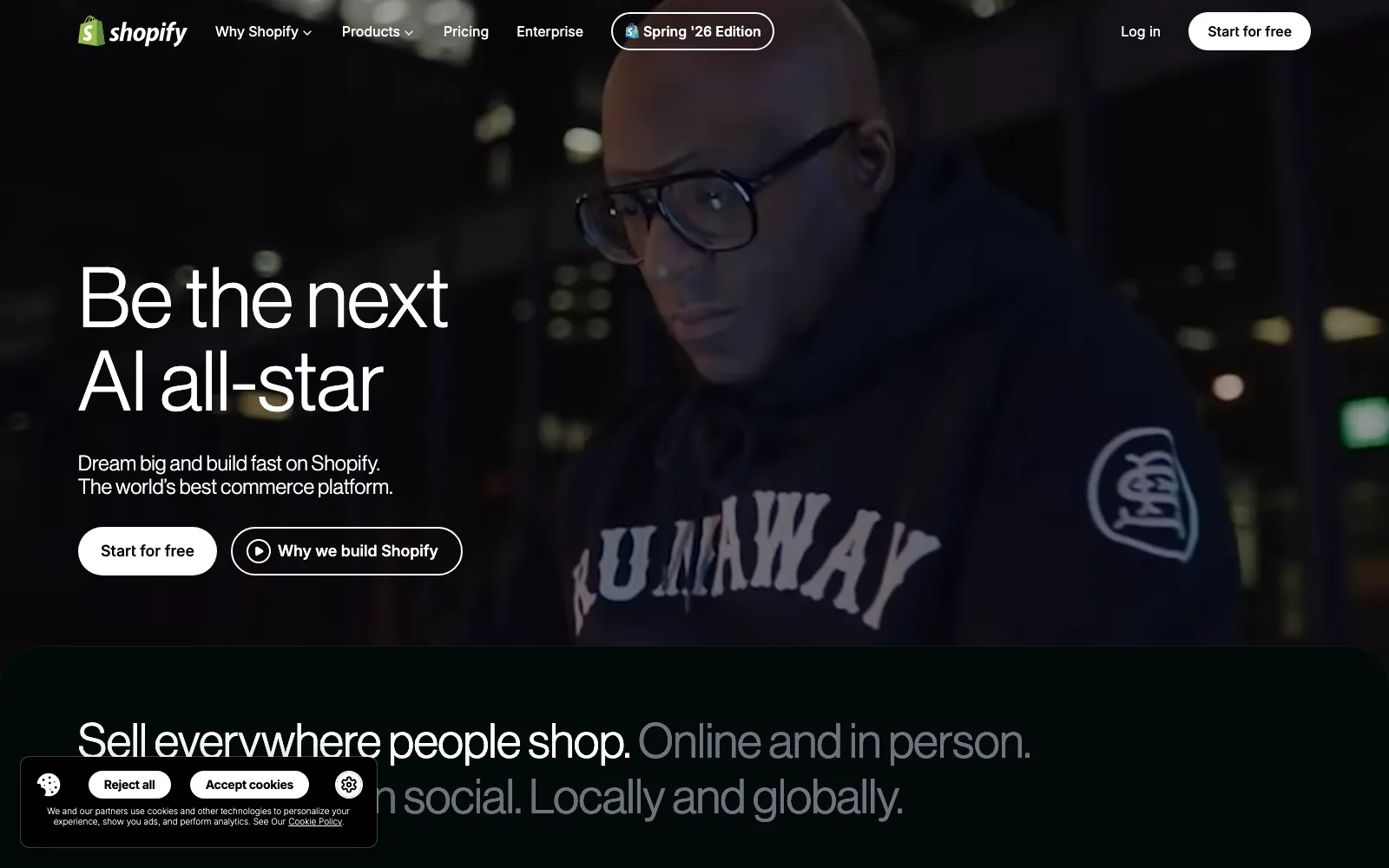
Shopify is the default choice for most people starting a serious store because it bundles hosting, checkout, inventory, and payments into one reliable platform with almost no technical setup. The Basic plan is $39/mo (around $29/mo billed annually), and Shopify Payments charges 2.9% + 30c per online card sale with no extra platform fee.
Its biggest advantage is scale: thousands of apps, hundreds of themes, strong POS for in-person selling, and mature tools for shipping, taxes, and marketing. The main trade-off is a 2% surcharge if you use a third-party payment gateway instead of Shopify Payments, and costs rise as you add apps.
Best for: Founders who want a proven, low-hassle platform they can scale from first sale to seven figures.
Pros
- Fastest path to a professional, reliable store
- Huge ecosystem of apps, themes, and experts
- No extra platform fee when using Shopify Payments
- Strong POS and multichannel selling
Cons
- Monthly fee before you make a sale
- 2% surcharge on third-party payment gateways
- App costs add up quickly at scale
- You do not own the platform or code
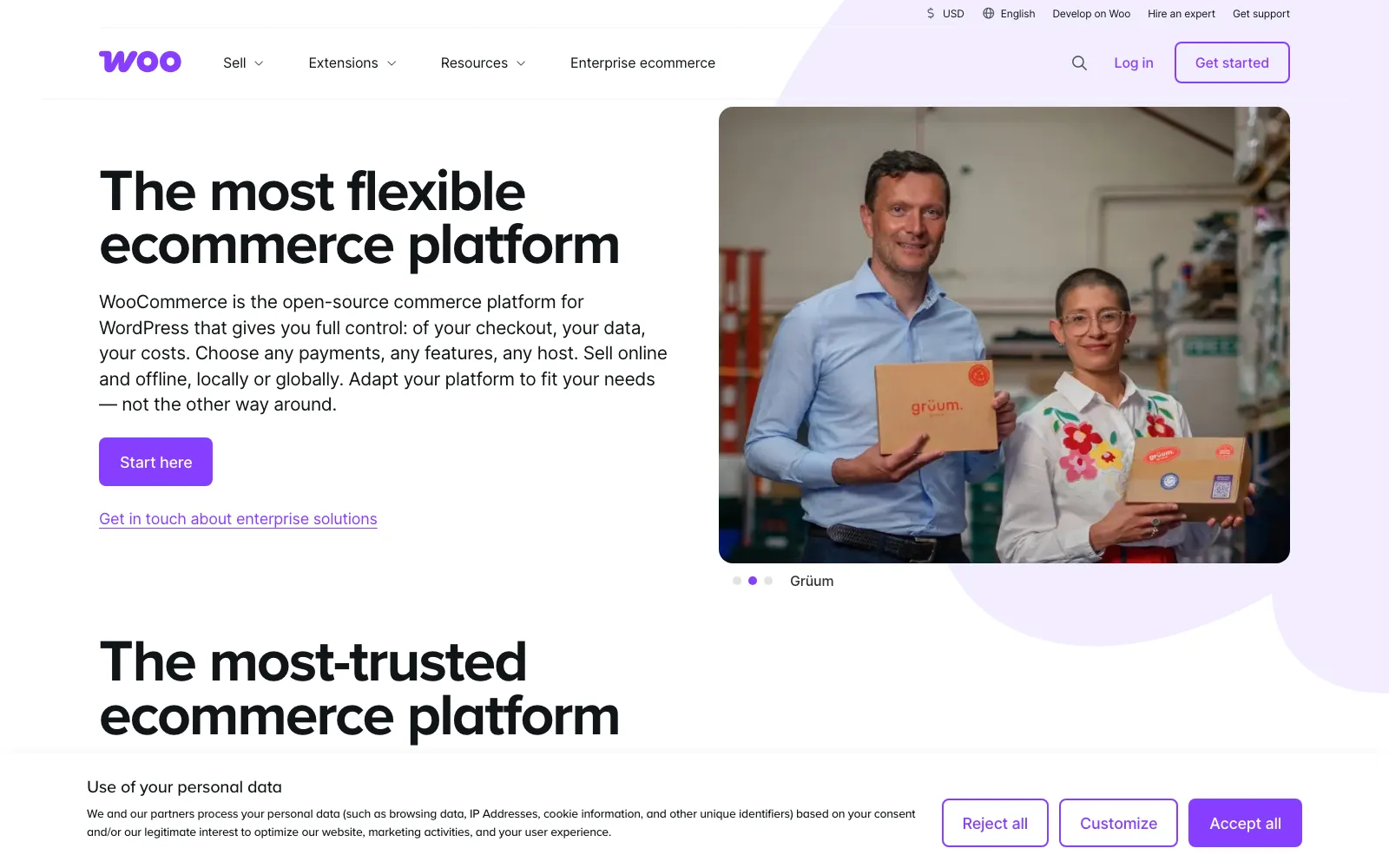
WooCommerce is a free, open-source plugin that turns any WordPress site into a full store, so you own your data and can customize almost everything. The core plugin charges zero transaction fees; your real costs are hosting (roughly $5-30/mo) plus any premium themes, extensions, and payment processing (about 2.9% + 30c via Stripe or WooPayments).
It is the most flexible option on this list and pairs content, blogging, and commerce in one place, which is excellent for SEO. The cost is responsibility: you handle hosting, security, updates, and plugin compatibility yourself, so it suits people comfortable with WordPress or willing to learn.
Best for: Content-driven brands and tinkerers who want maximum control and true ownership on WordPress.
Pros
- Free core plugin with no revenue cut
- Complete control and ownership of your site
- Excellent for content and SEO on WordPress
- Endless plugins and customization options
Cons
- You manage hosting, security, and updates
- Steeper learning curve than hosted platforms
- Costs come from plugins and hosting, not one bill
- Plugin conflicts can cause maintenance headaches
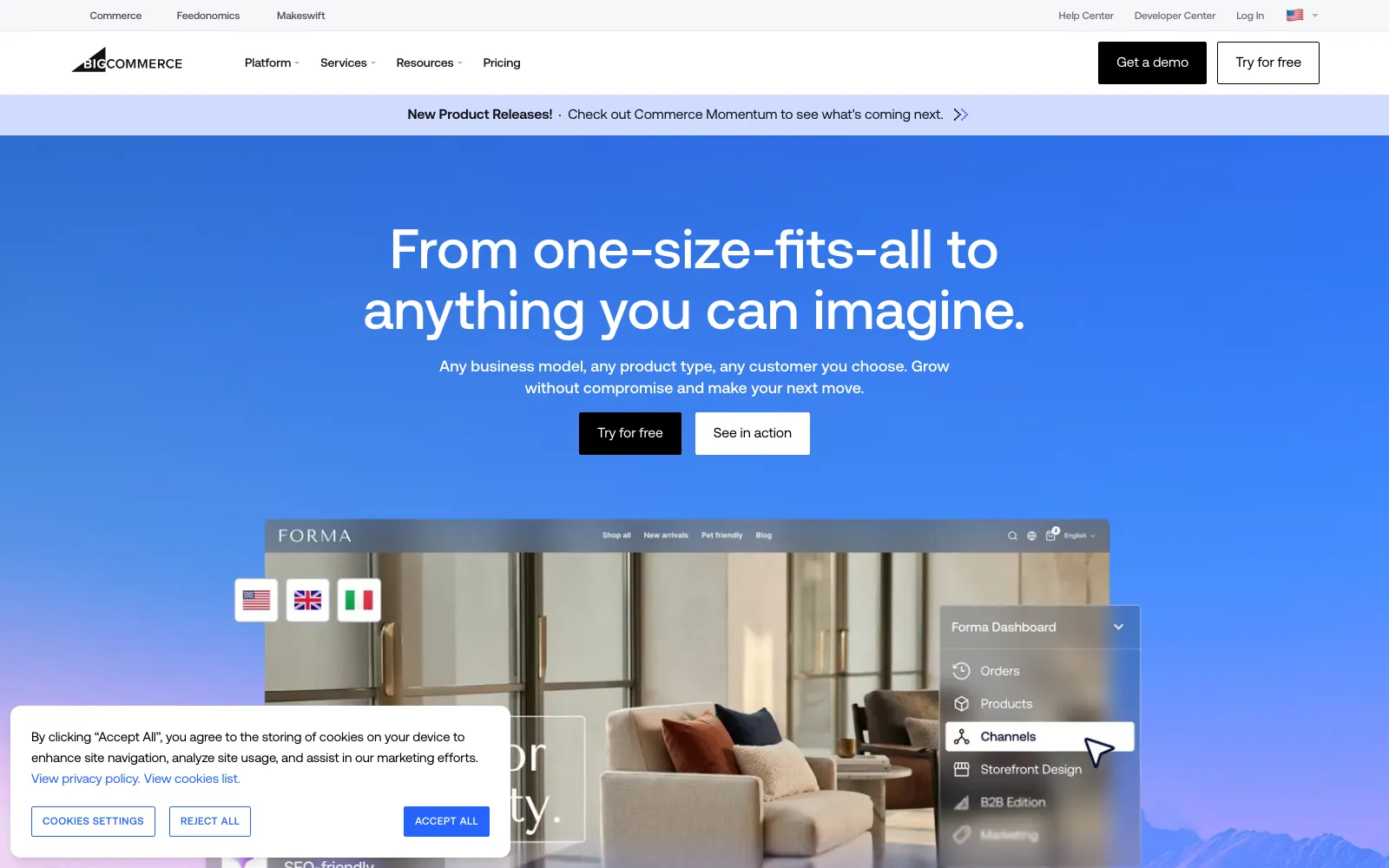
BigCommerce is a hosted platform similar to Shopify but aimed at stores with bigger catalogs and more built-in features out of the box, reducing reliance on paid apps. Plans start around $29.95-$39/mo (verify), and it charges no platform transaction fees, though non-embedded payment providers can add up to 2%.
It shines on native functionality such as advanced product options, faceted search, and multichannel selling without extra apps, and it has no bundled payment lock-in. The downsides are annual sales thresholds that push you to higher tiers, and a slightly less beginner-friendly, smaller app ecosystem than Shopify.
Best for: Growing brands with larger catalogs that want rich built-in features and payment flexibility.
Pros
- No platform transaction fees on any plan
- Rich features built in, fewer paid apps needed
- Freedom to choose your payment processor
- Strong multichannel and B2B capabilities
Cons
- Sales thresholds force plan upgrades
- Smaller app and theme ecosystem than Shopify
- Monthly fee before your first sale
- Less beginner-friendly interface
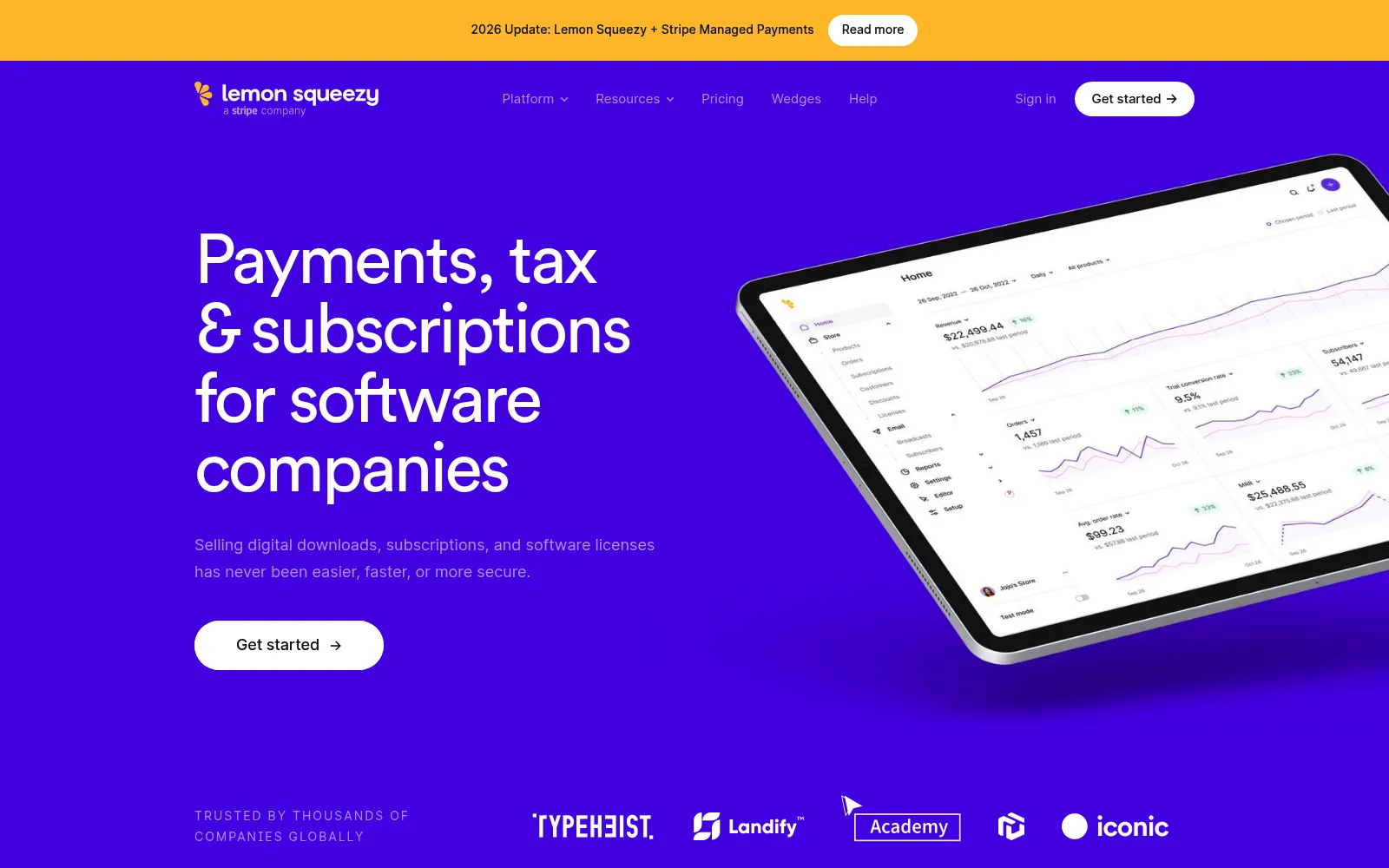
Lemon Squeezy is built for selling digital products, software licenses, and SaaS subscriptions, and it acts as merchant of record, meaning it handles global sales tax and EU VAT compliance and remittance for you. There is no monthly fee; it takes 5% + $0.50 per sale, with small add-ons for international cards, PayPal, and subscriptions (verify).
The merchant-of-record model is the headline: you never register for or file tax in other jurisdictions, and Lemon Squeezy absorbs chargebacks and audits as the seller of record. It is not designed for physical goods, and the effective fee is higher than raw Stripe, but the compliance it removes is worth it for many founders.
Best for: Creators and indie founders selling software, subscriptions, or digital downloads globally.
Pros
- Merchant of record handles all tax/VAT
- No monthly fee, pay only when you sell
- Built-in subscriptions, licensing, and affiliates
- Removes cross-border compliance burden
Cons
- Not suitable for physical products
- 5% + $0.50 is higher than raw processing
- Extra fees for international cards and PayPal
- Less design flexibility than a full store builder
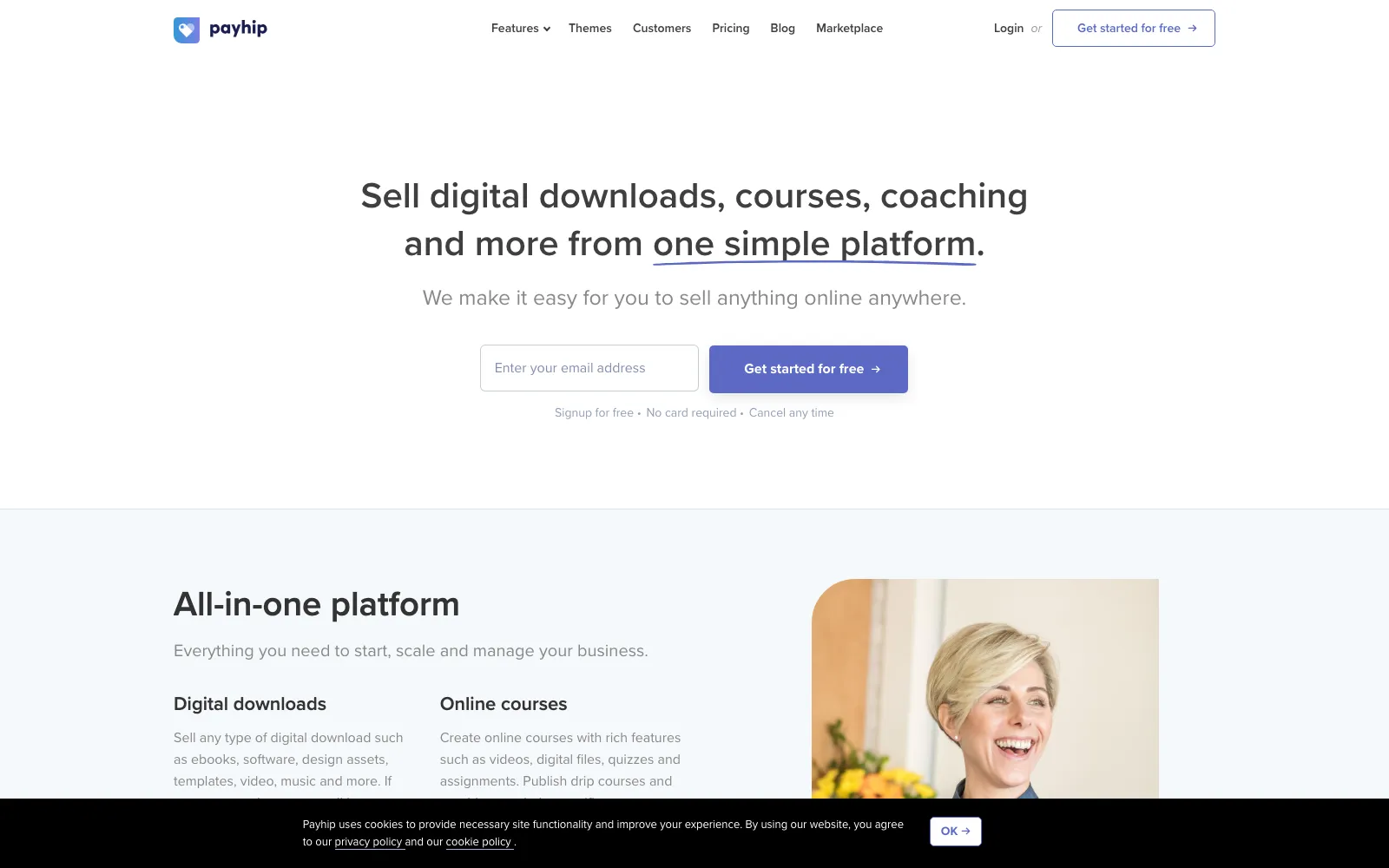
Payhip is the easiest low-cost way to start, with a free-forever plan that charges just 5% per sale and no monthly fee, plus Plus ($29/mo, 2% fee) and Pro ($99/mo, 0% fee) tiers as you grow (verify). It sells digital downloads, memberships, courses, coaching, and physical products, and handles EU VAT on digital goods for you.
You can use its hosted storefront or embed buy buttons and product widgets into any existing website or blog, which makes it a great lightweight bolt-on. Standard Stripe/PayPal processing fees (about 2.9% + 30c) still apply on top, and the design and scaling options are more limited than full store builders.
Best for: First-time sellers and creators who want to launch free and embed a store into any site.
Pros
- Genuinely free plan with no monthly cost
- Embeddable buttons and widgets for any site
- Sells digital, memberships, courses, and physical
- Handles EU VAT on digital products
Cons
- 5% fee on the free plan adds up
- Payment processing fees apply on top
- Limited design and scaling flexibility
- Fewer advanced features than big platforms
Frequently asked questions
How much does it cost to start an online store?+
You can start for free with Payhip or WooCommerce (paying only ~2.9% + 30c processing and, for Payhip, a 5% fee), or from around $29-$39/mo on a hosted platform like Shopify or BigCommerce. Budget extra for a domain (~$10-15/year), an optional theme, and any apps or plugins you add as you grow.
Which platform is best for beginners?+
Shopify is the best all-round choice for beginners who want a polished store with no technical work. If you want to start completely free, Payhip is the simplest lightweight option and lets you embed products into an existing site. WooCommerce is powerful but expects some comfort with WordPress.
Shopify vs WooCommerce, which should I choose?+
Choose Shopify if you want an all-in-one hosted platform that just works, with support and a huge app store, in exchange for a monthly fee. Choose WooCommerce if you already use WordPress, want to own your data and code, and are willing to manage your own hosting, security, and updates to avoid platform fees.
Can I sell digital products online?+
Yes. Lemon Squeezy is purpose-built for digital products, software, and SaaS and acts as merchant of record so it handles global tax and VAT for you. Payhip also sells downloads, courses, and memberships, and both Shopify and WooCommerce support digital products with the right settings or apps.
Do I need a registered business to start selling?+
In most places you can start as a sole proprietor without formally registering a company, but rules on taxes, licenses, and reporting vary by country and region. Using a merchant-of-record platform like Lemon Squeezy simplifies sales tax and VAT, but check your local requirements before you scale.
The verdict
Shopify is the best all-round platform for most people starting an online store in 2026: it is reliable, scalable, and beginner-friendly with the largest ecosystem. Pick WooCommerce if you want full control and ownership on WordPress, BigCommerce if you have a large catalog and want features built in with no platform fees, Lemon Squeezy if you sell digital products or software and want tax handled for you, and Payhip if you want to launch free and embed a store anywhere.
Related guides

Alternative.tools review team
Editorial team
We are the editorial team behind Alternative.tools, an independent platform that helps you find the best tools and their alternatives. We use AI to research and summarize newly launched websites, tools, and products, focusing on what each one does, who it's for, and which popular tools it can replace, so you can pick the right alternative faster, without the marketing spin.