Best Analytics Tools for SaaS in 2026
Five analytics platforms compared for SaaS founders who want to know what actually drives signups and revenue.


Key takeaways
- 1. DataFastRevenue analytics for founders
Solo founders and small SaaS teams who want to see exactly which traffic sources drive revenue without configuring a complex analytics stack.
Visit DataFast - 2. PlausibleLightweight privacy-first analytics
Teams that want simple, compliant traffic analytics without cookie banners or a heavy tracking script slowing down their site.
- 3. FathomSimple privacy-first analytics
Privacy-focused founders who want a clean, compliant analytics dashboard and are happy to skip deep product tracking.
- 4. PostHogProduct analytics suite
Product-led SaaS teams that need event tracking, funnels, session replay and feature flags in a single open-source platform.
- 5. Google Analytics 4Free but complex analytics
Teams that need free, deep reporting and are willing to invest time in configuration and privacy compliance.
Overview
Most SaaS analytics tools tell you how many people visited. Far fewer tell you which visits turned into paying customers. In 2026 the tools worth paying for are the ones that connect traffic to revenue, respect user privacy, and stay simple enough that you actually check them.
We compared five popular options across privacy, revenue attribution, product analytics and price. DataFast leads for founders who want revenue clarity without a data team, while Plausible and Fathom keep things lightweight, PostHog goes deep on product behavior, and GA4 remains the free heavyweight for those who can stomach the complexity.
How to choose
Before you pick, weigh these against your own situation — the right choice depends on your stage, budget, and goals.
Event model & tracking — Prefer tools with a clean event/property schema and autocapture or a solid SDK, since sloppy instrumentation upfront poisons every downstream report.
Product vs marketing scope — Decide whether you need product analytics (funnels, retention, cohorts) or web analytics (traffic, attribution), and pick a tool that leads in that area rather than doing both weakly.
Cohort & retention depth — Look for flexible cohort building and retention curves, because for SaaS the real signal is whether users come back, not raw pageviews.
Warehouse integration — Choose a tool that syncs to or sits on your data warehouse (BigQuery, Snowflake) so you own the raw data and can join it with billing and CRM.
Pricing at scale & privacy — Model the cost as your event volume grows and confirm GDPR/cookie-consent handling, since MTU or event-based pricing can spike unexpectedly and compliance is non-negotiable.
Comparison at a glance
| Tool | Best for | Free tier | Starts at | Standout |
|---|---|---|---|---|
| Indie SaaS founders | Trial available | $19/mo (verify) | Ties traffic to revenue | |
| Privacy-conscious teams | Trial available | $9/mo (verify) | No cookie banner needed | |
| Small businesses | Trial available | $15/mo (verify) | Compliance without cookies | |
| Product-led SaaS | Generous free tier | Usage-based (verify) | Funnels, replay, flags | |
| Data-heavy teams | Free | Free (verify) | Powerful, free, ubiquitous |
Pricing and features change often. Verify current details on each provider's site. Last checked August 2026.
Feature comparison
| Feature | |||||
|---|---|---|---|---|---|
| Privacy-friendly / cookieless | Partial | ||||
| Revenue attribution | Partial | ||||
| Product analytics (funnels/events) | Partial | ||||
| Session replay | |||||
| Open source | |||||
| Free tier | Partial |
"Partial" means available via add-on, in beta, or more limited than competitors.
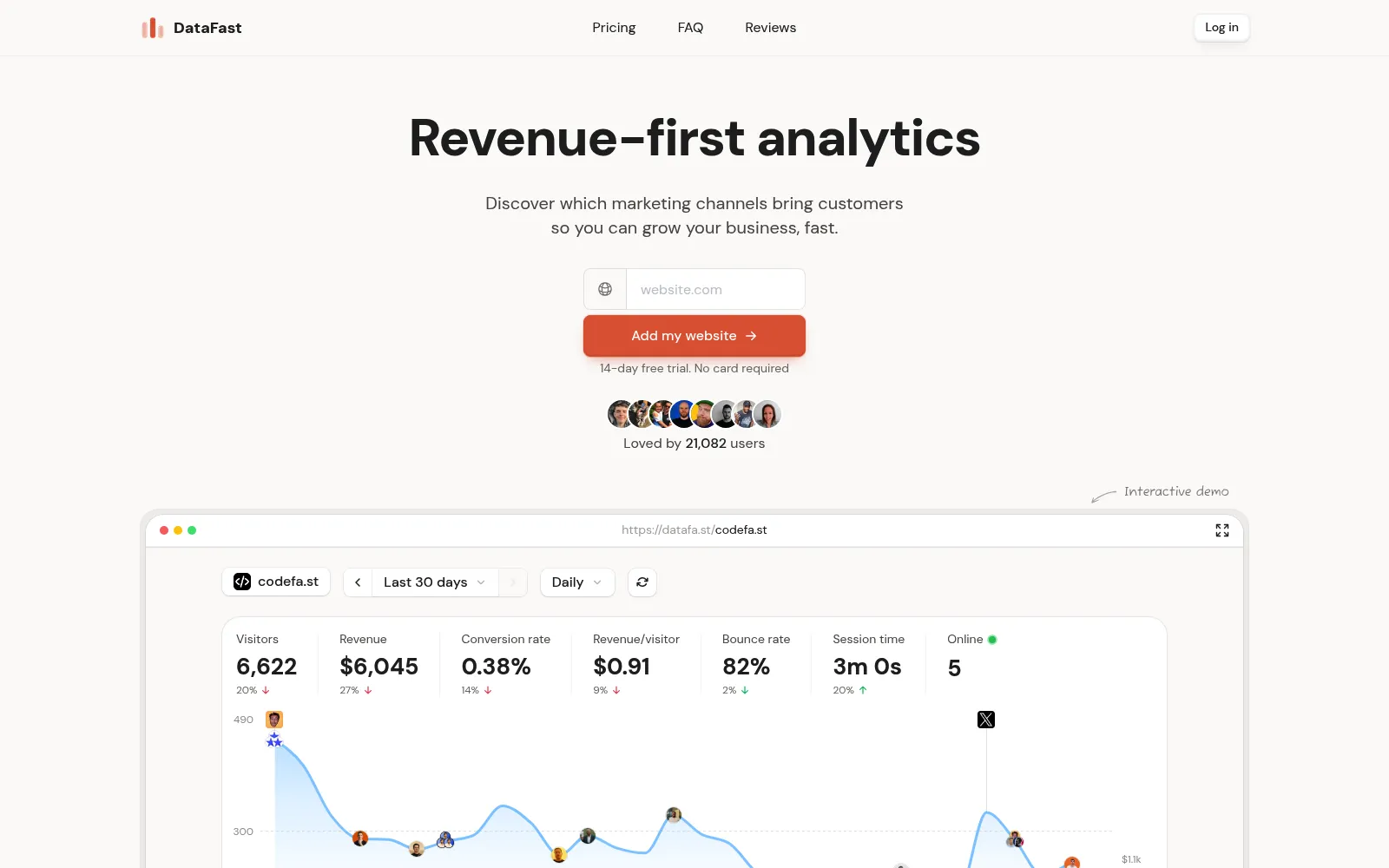
DataFast is built for one job that most analytics tools ignore: showing SaaS founders which marketing actually makes money. Instead of drowning you in pageviews, it connects each visitor to signups, trials and revenue, so you can see that a blog post or a Reddit thread turned into real MRR rather than just a spike in traffic.
It is privacy-friendly and refreshingly simple to set up, which makes it ideal for indie founders and small teams who do not have an analyst on staff. The dashboard is designed around growth decisions, so you spend less time interpreting charts and more time doubling down on the channels that convert.
Best for: Solo founders and small SaaS teams who want to see exactly which traffic sources drive revenue without configuring a complex analytics stack.
Pros
- Directly attributes traffic to signups and revenue
- Privacy-friendly and fast to install
- Clean dashboard aimed at growth decisions
- Purpose-built for SaaS founders, not enterprises
Cons
- Younger product than the incumbents
- Less suited to deep product event tracking
- Smaller integration catalog
- Not a free-forever plan
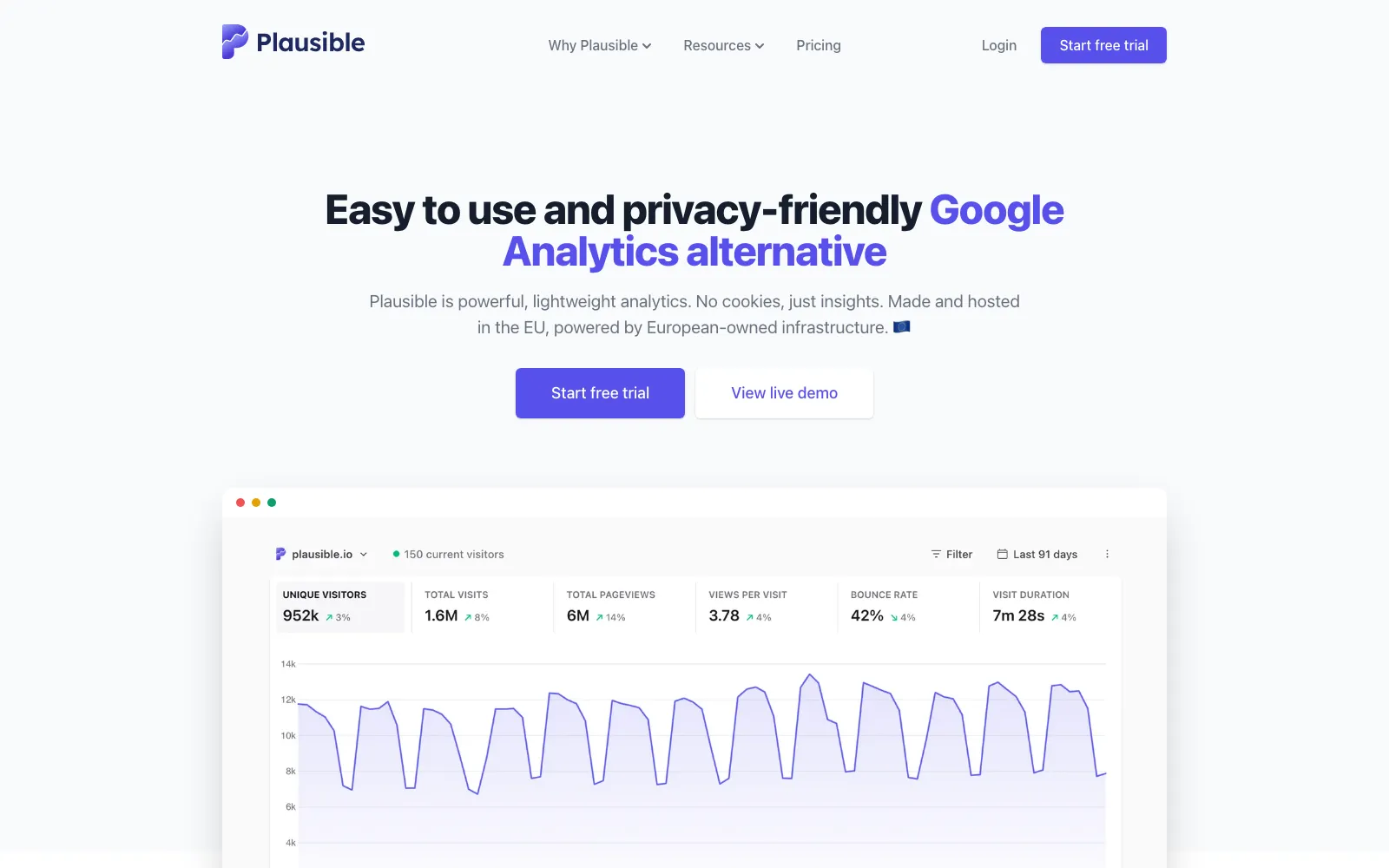
Plausible is a lightweight, privacy-first web analytics tool that gives you the essential traffic numbers on a single, easy-to-read dashboard. It is GDPR-friendly and cookieless by design, so you can run it without a cookie banner and without collecting personal data.
The script is tiny and loads fast, making it a favorite for marketing sites and content-heavy SaaS pages where performance matters. It is open source and can be self-hosted, though the hosted plan removes the maintenance burden.
Best for: Teams that want simple, compliant traffic analytics without cookie banners or a heavy tracking script slowing down their site.
Pros
- Cookieless and GDPR-friendly out of the box
- Tiny, fast-loading script
- Simple single-page dashboard
- Open source and self-hostable
Cons
- No built-in revenue attribution
- Limited product analytics
- No session replay
- Fewer advanced segments than heavier tools
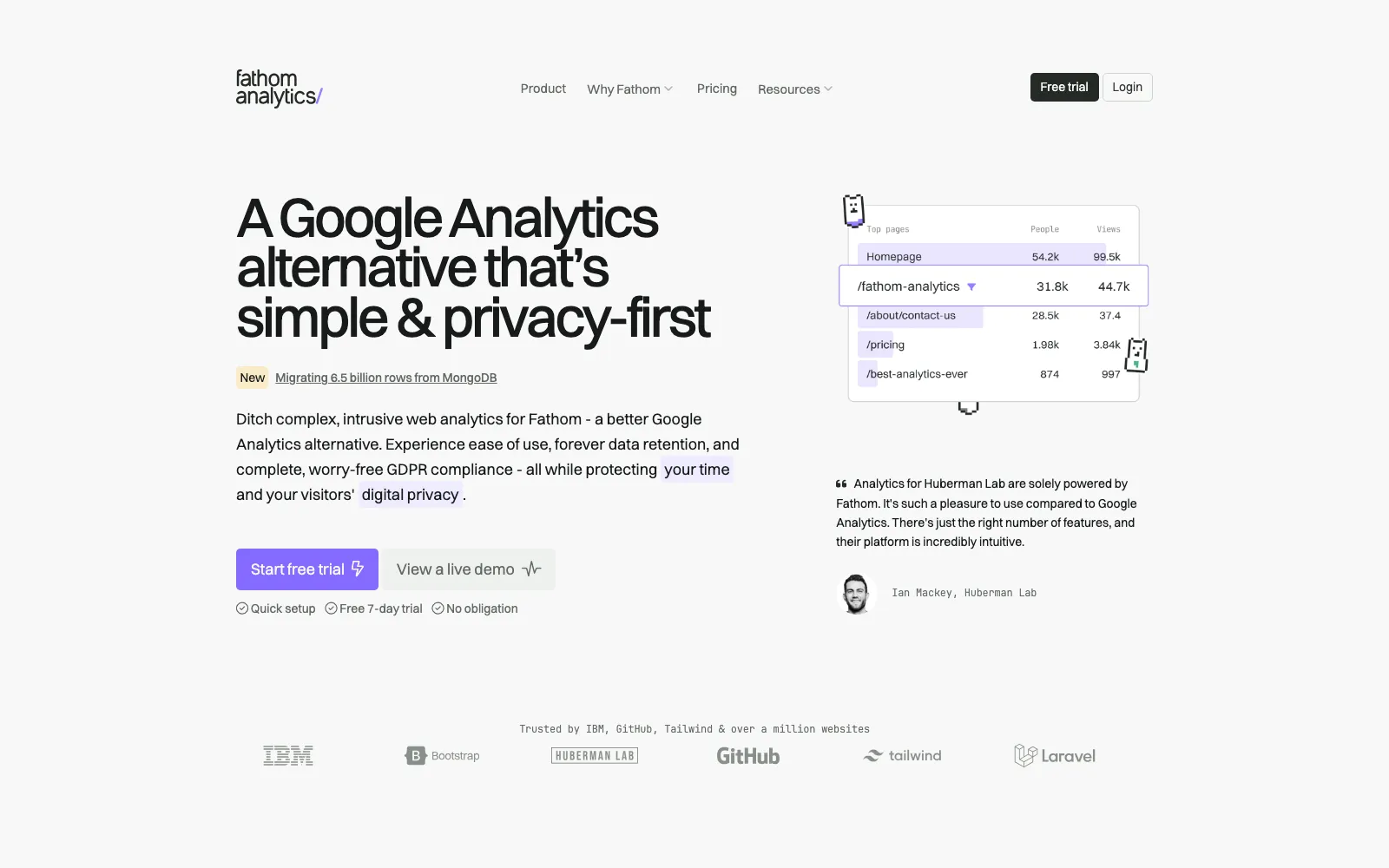
Fathom is another lightweight, privacy-first analytics option that focuses on giving you clear traffic insights without tracking individuals. It is GDPR-friendly and cookieless, so like Plausible it removes the need for a cookie consent banner.
The appeal is simplicity and compliance in one package: a clean dashboard, fast script, and a strong stance on not selling or sharing data. It suits founders who want trustworthy numbers and peace of mind on privacy regulations.
Best for: Privacy-focused founders who want a clean, compliant analytics dashboard and are happy to skip deep product tracking.
Pros
- Cookieless and GDPR-friendly
- Fast, lightweight tracking script
- Uncomplicated dashboard
- Strong privacy and data ownership stance
Cons
- No native revenue attribution
- Minimal product analytics
- No session replay
- Less granular than product-focused tools
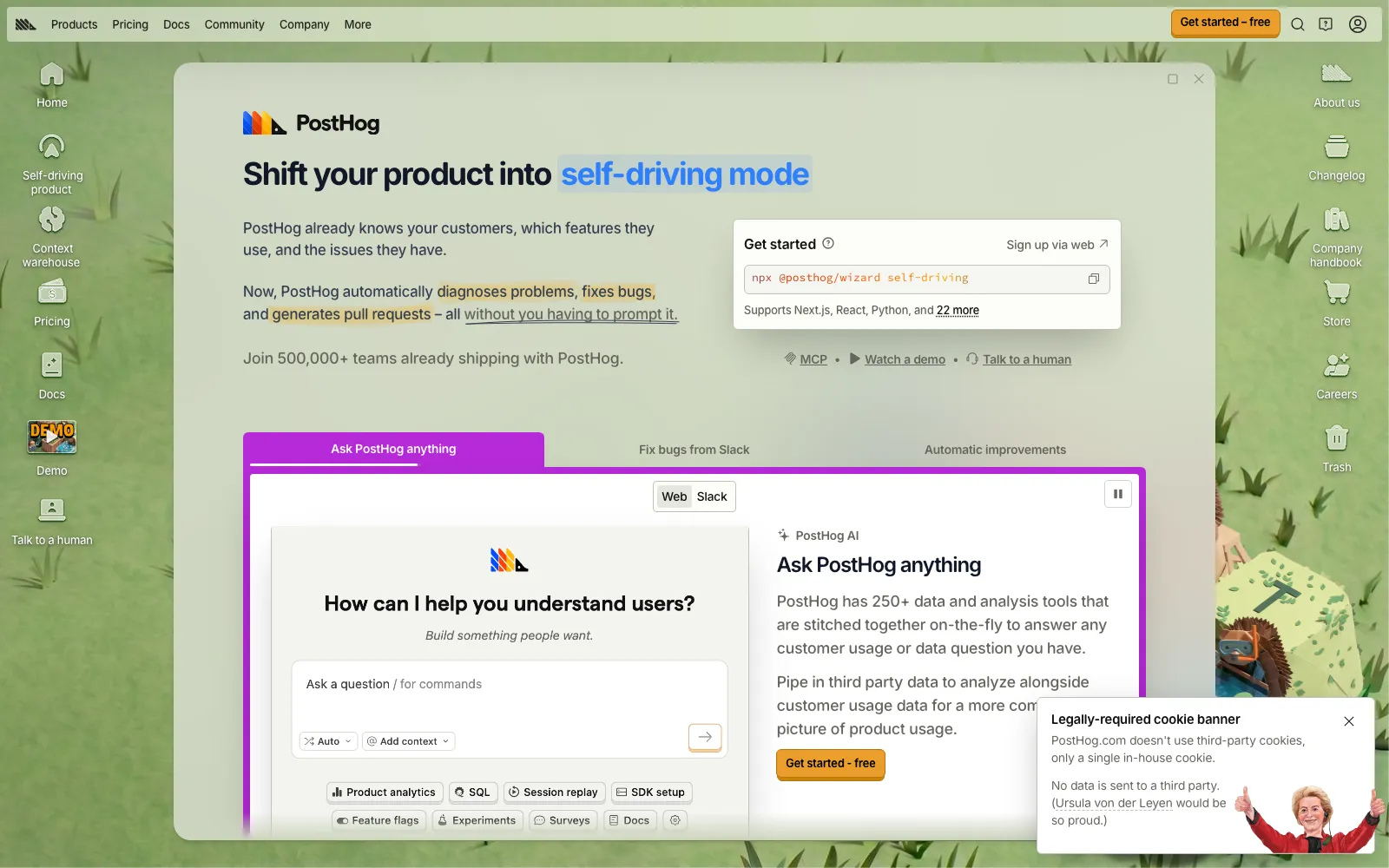
PostHog is a full product analytics suite covering events, funnels, session replay and feature flags in one platform. It is built to answer how users actually move through your product, where they drop off, and which features drive retention.
It offers a generous free tier and is open source, which makes it popular with product-led SaaS teams who want depth without an enterprise contract. The trade-off is more setup and a steeper learning curve than the simple traffic tools.
Best for: Product-led SaaS teams that need event tracking, funnels, session replay and feature flags in a single open-source platform.
Pros
- Deep product analytics with funnels and events
- Session replay and feature flags included
- Generous free tier
- Open source and self-hostable
Cons
- Steeper learning curve
- More setup than lightweight tools
- Usage-based pricing can scale up fast
- Overkill for simple marketing sites

Google Analytics 4 is the free, powerful default that almost everyone has access to. It offers deep reporting, cross-platform tracking and integrations across the Google ecosystem, which is hard to match at zero cost.
The downside is complexity and privacy. GA4 has a notoriously steep learning curve, relies on data sampling, and carries privacy concerns that often require cookie banners and careful configuration to stay compliant.
Best for: Teams that need free, deep reporting and are willing to invest time in configuration and privacy compliance.
Pros
- Completely free to use
- Powerful, flexible reporting
- Tight Google ecosystem integrations
- Ubiquitous with abundant documentation
Cons
- Steep learning curve and complex UI
- Privacy-heavy, often needs cookie banners
- Data sampling on large sites
- No direct SaaS revenue attribution out of the box
Frequently asked questions
What is the best analytics tool for a SaaS founder?+
For founders who care most about growth, DataFast is the standout because it ties traffic directly to signups and revenue in a simple, privacy-friendly dashboard. If you mainly need lightweight traffic stats, Plausible or Fathom work well, and PostHog is better if you need deep product analytics.
Which analytics tools are privacy-friendly and GDPR compliant?+
DataFast, Plausible and Fathom are all privacy-friendly. Plausible and Fathom are cookieless and GDPR-friendly, so they typically do not require a cookie banner. GA4 is the most privacy-heavy option and usually needs consent management to stay compliant.
Do any of these tools connect analytics to revenue?+
DataFast is designed specifically to connect traffic to signups, trials and revenue, which is its core strength. PostHog can approximate this with events and custom setup, while Plausible, Fathom and GA4 do not offer native SaaS revenue attribution out of the box.
Is Google Analytics 4 still worth using in 2026?+
GA4 remains worthwhile if you want a free, powerful tool with deep reporting and Google ecosystem integrations. The trade-offs are a steep learning curve and privacy concerns, so many SaaS founders pair or replace it with a simpler, privacy-first tool.
Which tool has the best free tier?+
PostHog offers a generous free tier for product analytics and GA4 is free to use, though complex. Plausible and Fathom are paid after a trial, and DataFast offers a trial before its paid plans.
The verdict
For most SaaS founders, DataFast is the best starting point because it answers the question that actually matters: which traffic turns into revenue, all in a simple privacy-friendly dashboard. Choose Plausible or Fathom if you only need lightweight compliant traffic stats, reach for PostHog when you need deep product analytics and session replay, and keep GA4 if you want free, powerful reporting and can handle its complexity.
Related guides

Alternative.tools review team
Editorial team
We are the editorial team behind Alternative.tools, an independent platform that helps you find the best tools and their alternatives. We use AI to research and summarize newly launched websites, tools, and products, focusing on what each one does, who it's for, and which popular tools it can replace, so you can pick the right alternative faster, without the marketing spin.