Best Databases for SaaS in 2026
Four managed databases built for shipping SaaS fast, compared on pricing, scaling model, and developer experience.


Key takeaways
- 1. SupabaseBest all-in-one
Teams that want a complete backend (auth, storage, realtime) on top of Postgres without wiring up separate services.
Visit Supabase - 2. NeonBest serverless Postgres
Developers who want plain Postgres with usage-based pricing and instant database branches for previews and tests.
- 3. PlanetScaleBest for horizontal scale
SaaS teams on MySQL that expect serious scale and want safe, reviewable schema changes with zero downtime.
- 4. TursoBest for the edge
Read-heavy or globally distributed apps, and multi-tenant SaaS that wants a cheap database per customer.
Overview
Picking a database is one of the highest-leverage early decisions you make when building a SaaS product. The wrong choice shows up later as painful migrations, surprise bills, or scaling walls you hit right when traffic finally arrives. The right one fades into the background and lets you ship.
This guide compares four databases that dominate SaaS stacks in 2026: Supabase, Neon, PlanetScale, and Turso. Each takes a different bet on data model, scaling, and pricing, so the best pick depends on whether you want a full backend, serverless Postgres economics, horizontal MySQL scale, or SQLite at the edge.
How to choose
Before you pick, weigh these against your own situation — the right choice depends on your stage, budget, and goals.
Scaling model — Decide between serverless autoscaling and provisioned instances based on whether your traffic is spiky or steady and predictable.
Connection handling — Confirm the database offers connection pooling or an HTTP driver, since serverless functions can exhaust raw Postgres connections fast.
Read latency and regions — Pick a provider with regions near your users and read replicas so queries stay fast as you go global.
Backup and branching — Value point-in-time recovery and database branching so you can test schema changes and recover from mistakes safely.
Pricing predictability — Scrutinize how storage, compute, and egress are billed so a traffic spike doesn't produce a surprise invoice.
Comparison at a glance
| Tool | Type | Free tier | Starts at | Standout |
|---|---|---|---|---|
| Postgres + BaaS | Yes, 2 projects | ~$25/mo Pro | Full backend platform | |
| Serverless Postgres | Yes, generous | ~$19/mo Launch | Branching and scale-to-zero | |
| MySQL on Vitess | No, paid plans only | ~$39/mo Scaler | Sharding and safe schema changes | |
| libSQL / SQLite | Yes, generous | ~$8.25/mo Scaler | Low-latency edge replicas |
Pricing and features change often. Verify current details on each provider's site. Last checked August 2026.
Feature comparison
| Feature | ||||
|---|---|---|---|---|
| Postgres | ||||
| MySQL | ||||
| SQLite / edge | ||||
| Scale-to-zero / serverless | Partial | Partial | ||
| Database branching | ||||
| Built-in auth & storage | ||||
| Free tier |
"Partial" means available via add-on, in beta, or more limited than competitors.
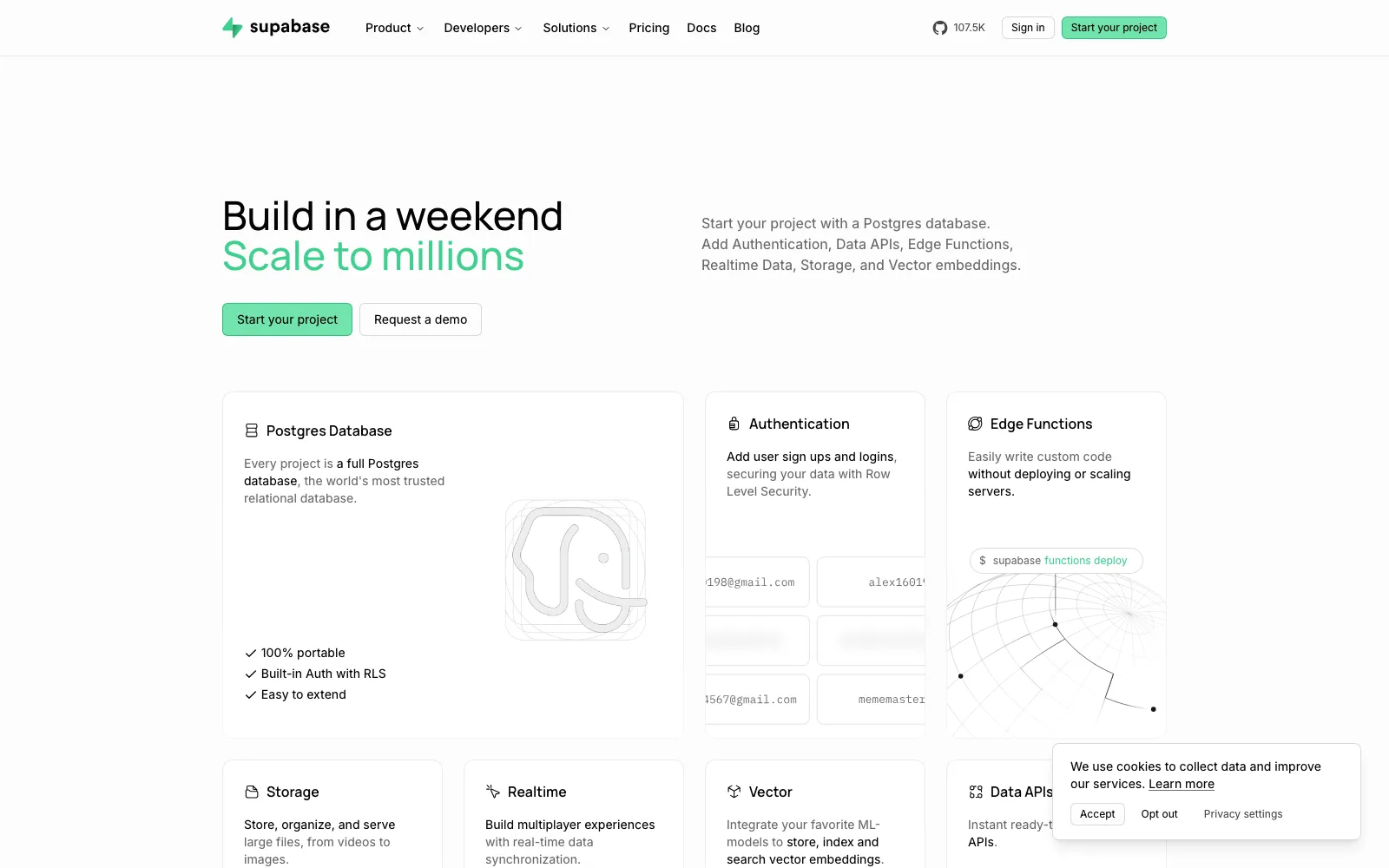
Supabase wraps a real Postgres database in a full backend platform: auth, row-level security, storage, edge functions, realtime subscriptions, and auto-generated REST and GraphQL APIs. For a solo founder or small team, it collapses several vendors into one dashboard and one bill.
Because it is standard Postgres underneath, you are never locked into a proprietary query layer. You can connect any Postgres client, run raw SQL, use extensions like pgvector, and migrate out with a plain dump if you ever outgrow it.
Best for: Teams that want a complete backend (auth, storage, realtime) on top of Postgres without wiring up separate services.
Pros
- Full backend suite beyond just the database
- Standard Postgres with extensions like pgvector
- Generous free tier with two active projects
- Strong open-source ecosystem and self-hosting option
Cons
- Free projects pause after a week of inactivity
- Broad feature surface can be more than a simple app needs
- Connection pooling needs care under serverless load
- Costs climb once you add storage, bandwidth, and add-ons
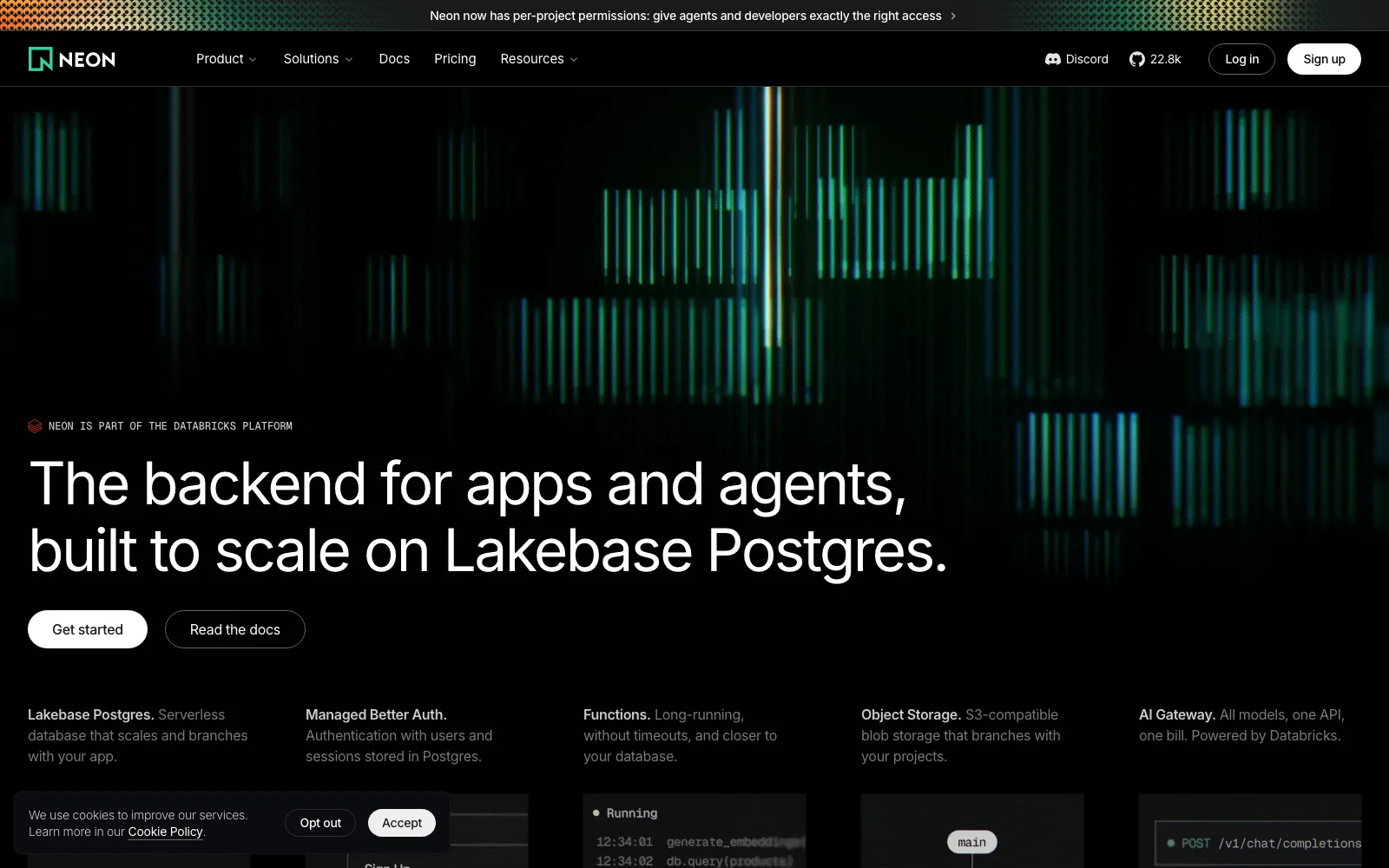
Neon is serverless Postgres that separates storage from compute, so databases scale to zero when idle and spin back up on demand. You pay for what you actually use, which fits spiky SaaS traffic and side projects that sit quiet between bursts.
Its headline feature is Git-style branching. You can fork a full copy of your database in seconds for a preview deploy, a test run, or a risky migration, then throw it away. This makes CI and per-pull-request environments genuinely cheap.
Best for: Developers who want plain Postgres with usage-based pricing and instant database branches for previews and tests.
Pros
- Scale-to-zero keeps idle costs near nothing
- Instant database branching for CI and previews
- Standard Postgres wire protocol and extensions
- Clean usage-based pricing that tracks real load
Cons
- Cold starts add latency after scale-to-zero
- Usage-based billing is harder to predict at scale
- Younger platform than fully managed incumbents
- Compute autoscaling limits vary by plan tier
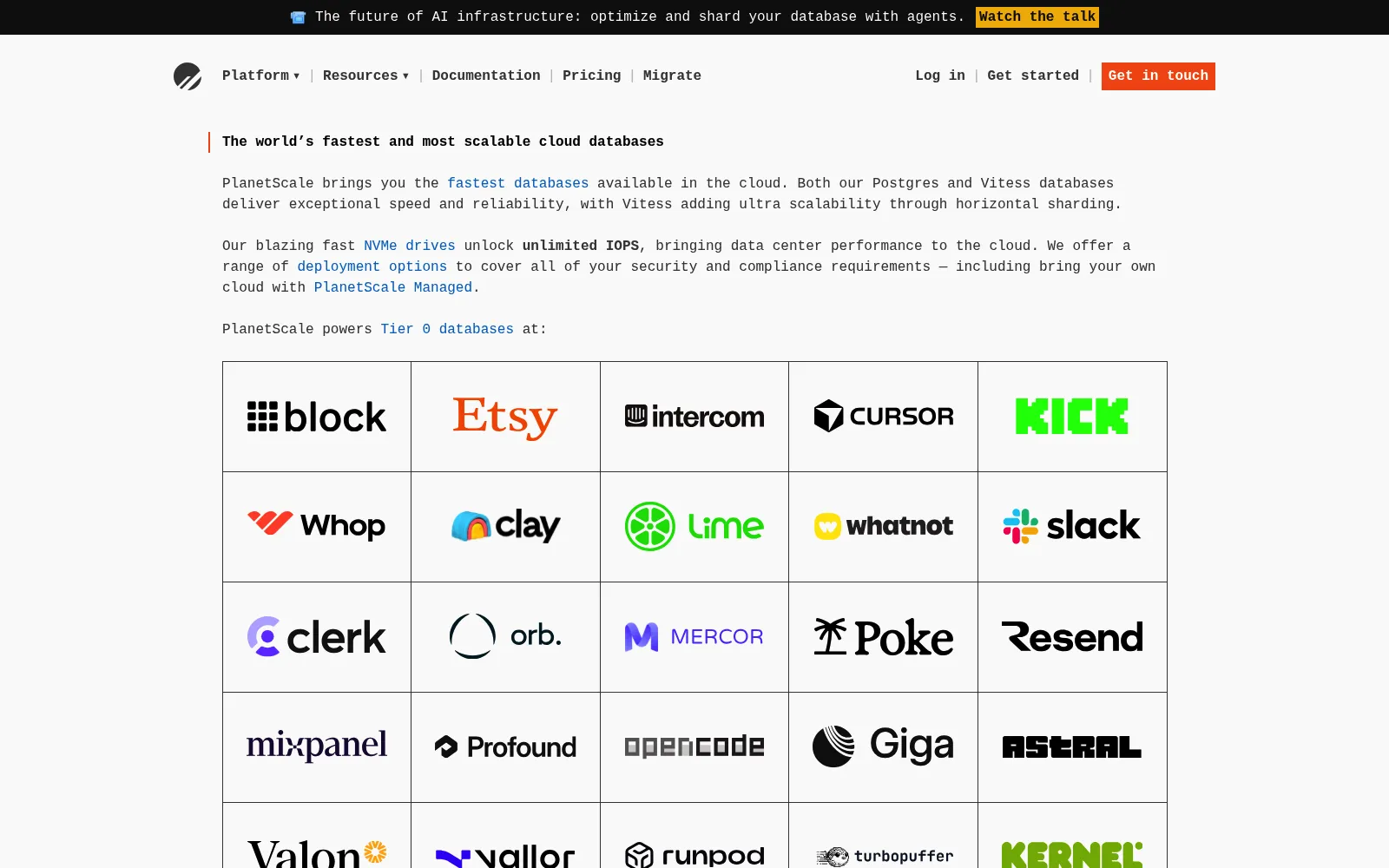
PlanetScale is managed MySQL built on Vitess, the sharding layer that powers massive workloads at companies like YouTube. It is engineered for horizontal scale, so it stays predictable as your row counts and query volume grow well past what a single instance handles.
Its standout is non-blocking, branch-based schema changes. You create a branch, apply migrations, and merge a deploy request with zero-downtime online DDL and safe reverts. That workflow removes one of the scariest parts of operating a production database.
Best for: SaaS teams on MySQL that expect serious scale and want safe, reviewable schema changes with zero downtime.
Pros
- Battle-tested horizontal scaling via Vitess
- Non-blocking, branch-based schema deploy workflow
- Excellent query insights and performance tooling
- Handles very high connection and query volume
Cons
- No free tier since the hobby plan was retired
- MySQL, not Postgres, which limits some tooling
- No foreign key constraints by default in Vitess
- Higher entry price than serverless competitors
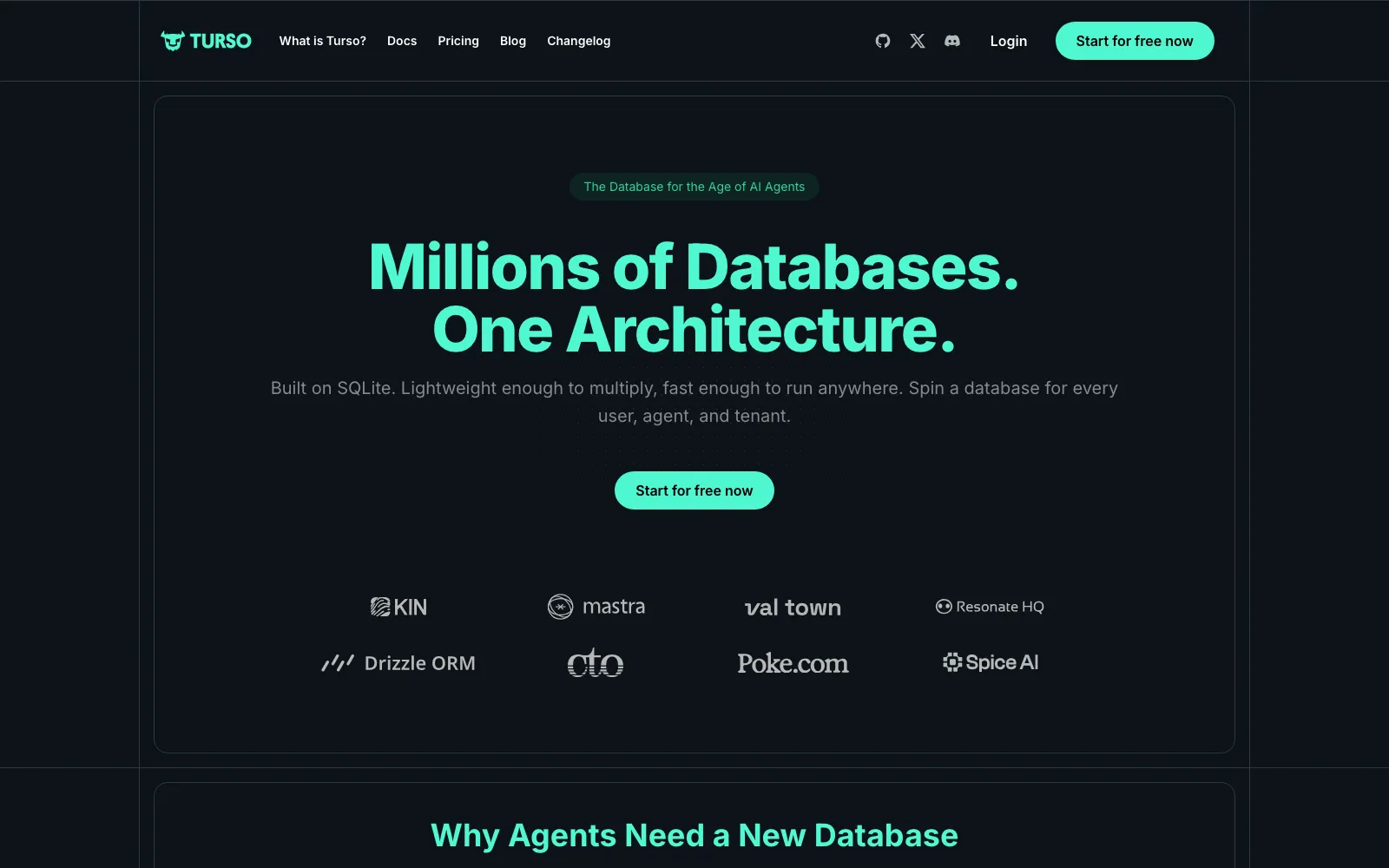
Turso is built on libSQL, an open fork of SQLite, and runs your database as replicas placed close to users around the world. For read-heavy SaaS apps, that means single-digit millisecond queries from the nearest edge location instead of a round trip to one region.
SQLite's simplicity is the appeal: an embeddable, file-based engine with a huge tooling ecosystem, now given multi-tenant and multi-region superpowers. Turso also supports per-tenant databases cheaply, which is handy for isolating customer data in B2B products.
Best for: Read-heavy or globally distributed apps, and multi-tenant SaaS that wants a cheap database per customer.
Pros
- Edge replicas deliver very low read latency
- Cheap enough for a database per tenant
- Built on familiar, ubiquitous SQLite
- Generous free tier with high database counts
Cons
- SQLite semantics differ from client-server databases
- Writes funnel to a primary, so write latency varies
- Weaker fit for heavy write or complex analytical loads
- Smaller ecosystem than mature Postgres or MySQL
Frequently asked questions
Should I choose Postgres or MySQL for a new SaaS?+
For most new SaaS products, Postgres is the safer default thanks to richer types, extensions like pgvector, and broad tooling, which is why Supabase and Neon lead here. Choose MySQL via PlanetScale when you specifically need Vitess-style horizontal sharding and its zero-downtime schema workflow at large scale.
Which of these has the best free tier?+
Supabase, Neon, and Turso all offer real free tiers suitable for prototypes and small apps. PlanetScale no longer has a free plan. Supabase pauses idle projects, Neon leans on scale-to-zero, and Turso is generous on database count, so match the free tier to how your app actually runs.
What is database branching and why does it matter?+
Branching forks a full copy of your database, schema and often data, in seconds so you can test migrations or spin up preview environments without touching production. Neon and PlanetScale both offer it, and it turns risky schema changes and per-pull-request testing into a routine, cheap operation.
Which database is best for a multi-tenant B2B SaaS?+
If you want strong per-tenant isolation, Turso makes a database per customer cheap enough to be practical. If you prefer a shared Postgres with row-level security, Supabase handles tenant isolation well. PlanetScale suits multi-tenant apps that need to shard across very large data volumes.
The verdict
Default to Supabase if you want a complete backend on Postgres, or Neon if you want lean serverless Postgres with branching and scale-to-zero. Reach for PlanetScale when horizontal MySQL scale and safe schema changes are the priority, and Turso when low-latency edge reads or a cheap database per tenant define your app.
Related guides

Alternative.tools review team
Editorial team
We are the editorial team behind Alternative.tools, an independent platform that helps you find the best tools and their alternatives. We use AI to research and summarize newly launched websites, tools, and products, focusing on what each one does, who it's for, and which popular tools it can replace, so you can pick the right alternative faster, without the marketing spin.